


Pocket-Size USB-C Storage
Carry More Files Without Carrying More Bulk
A compact USB-C microSD card reader for viewing, copying and backing up files on compatible phones, tablets and computers. Insert a card, connect the reader and keep portable storage close at hand.
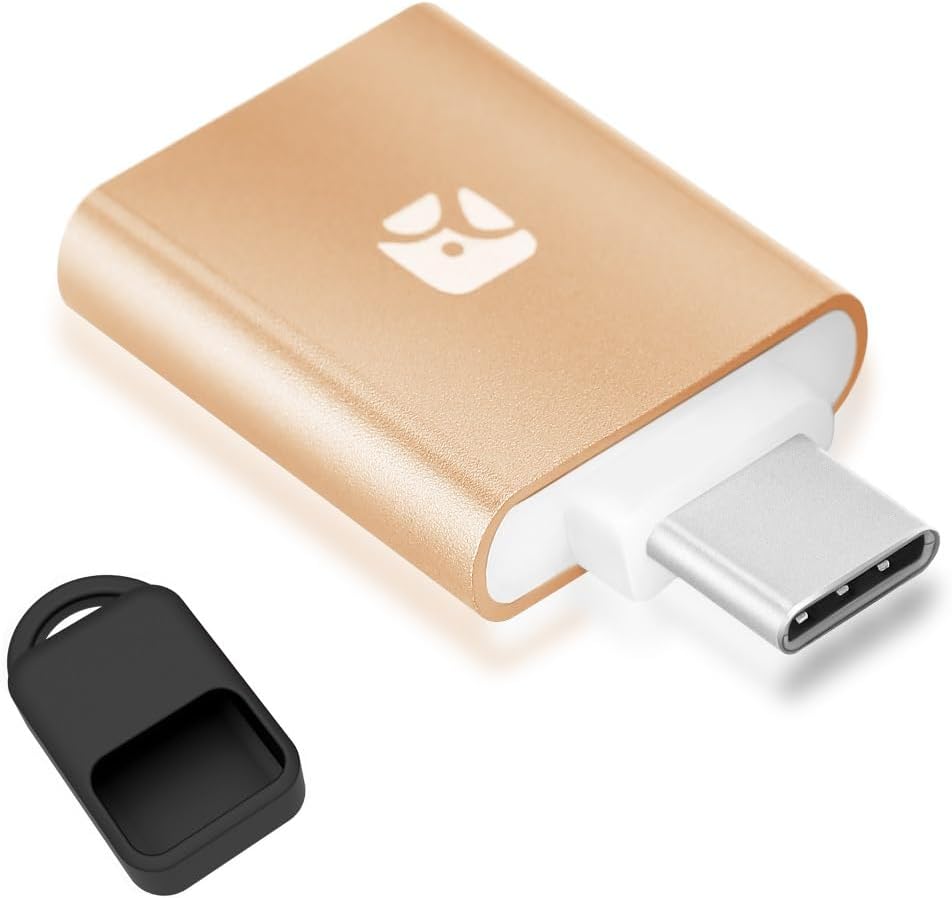
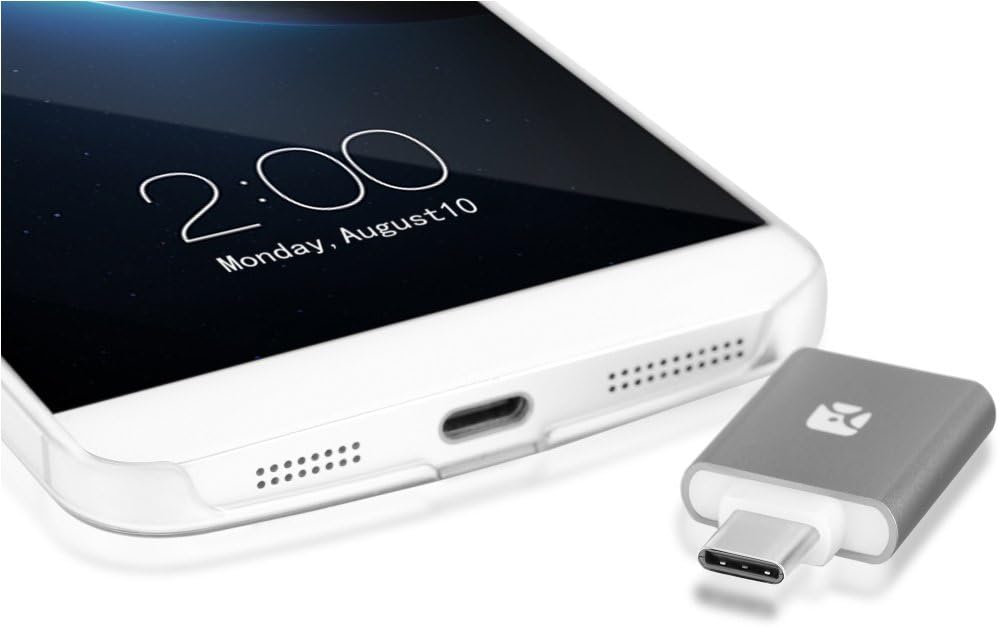
USB-C reader with fully enclosed card slot and keychain-ready protective case
Portable File Access
View, Copy and Back Up Your Files
Add removable storage to a compatible USB-C device without relying entirely on internal phone, tablet or computer capacity.
PHOTOS
Review and Transfer Images
Open compatible image files from a microSD card or move photos between the card and your connected device.
VIDEO AND MUSIC
Carry Offline Media
Access compatible video and music files stored on the card without filling the device's built-in storage.
DOCUMENTS
Open Portable Files
Carry compatible documents and project files between USB-C devices using a removable microSD card.
BACKUP
Copy Important Content
Move supported files to or from the card for an additional portable copy of photos, media or work documents.
Broad microSD Format Support
From Everyday Cards to High-Capacity Storage
The reader supports the commonly used microSD card families listed on the product page, making it suitable for media, documents and portable backups.
Protected Card Placement
The Card Sits Inside, Not Outside
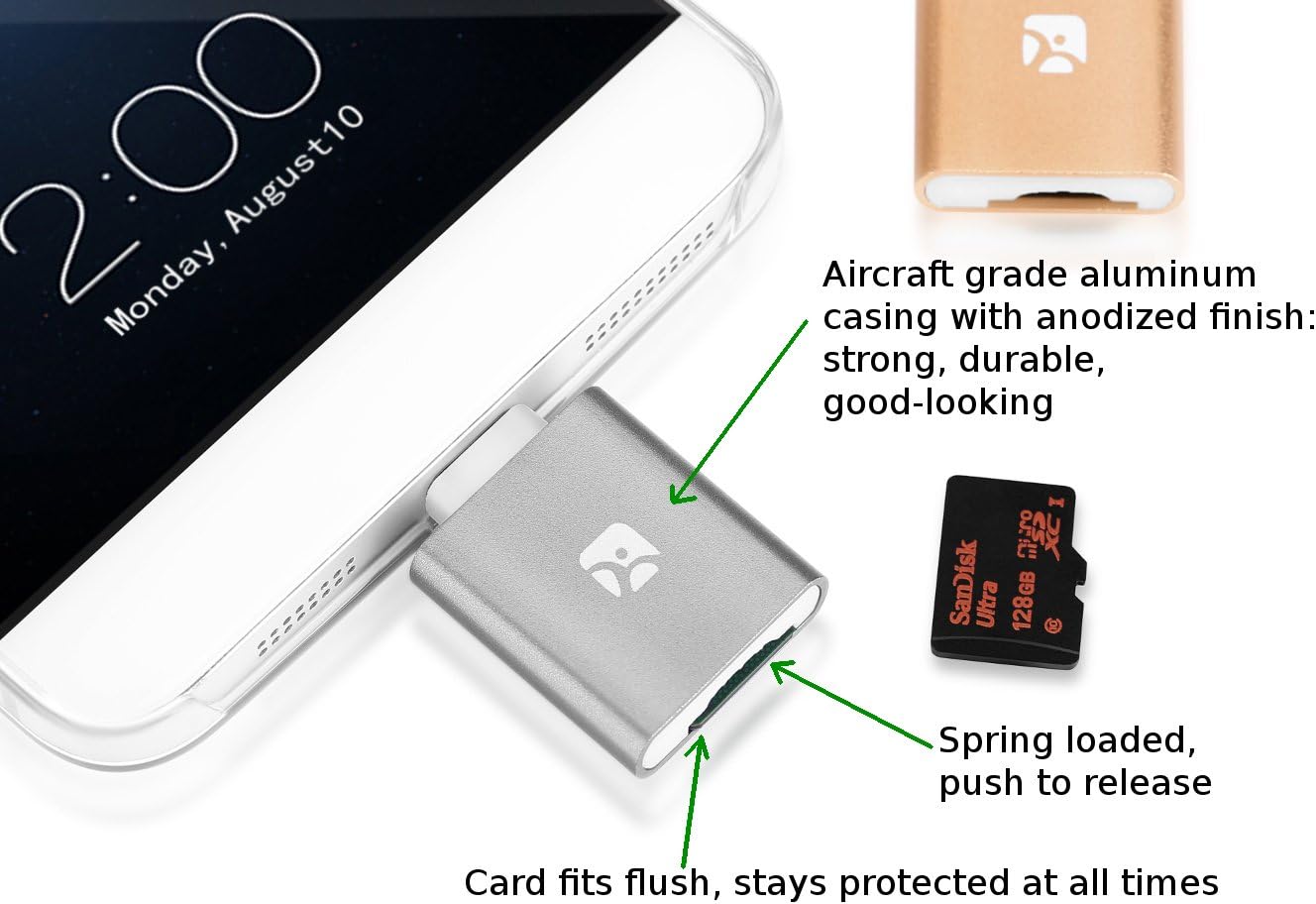
The spring-loaded slot draws the microSD card into the reader body instead of leaving most of the card exposed during use.
PUSH TO INSERT
Spring-Loaded Card Slot
Press the card into the reader until it locks into position, then press again to release it.
FULLY ENCLOSED
Less Exposed Card Area
Once inserted, the card sits inside the casing rather than protruding far beyond the reader.
EXTENDED USE
Compact While Connected
The low-profile card placement helps keep the overall setup compact while connected to a device.
Portable Metal Construction
Aluminum Body with a Carrying Case
The reader uses a compact aluminum casing and includes a fitted silicone case that helps protect the USB-C connector while it is carried.
Aluminum Casing
A rigid exterior provides a cleaner and more structured finish than a bare plastic adapter.
Silicone Protective Case
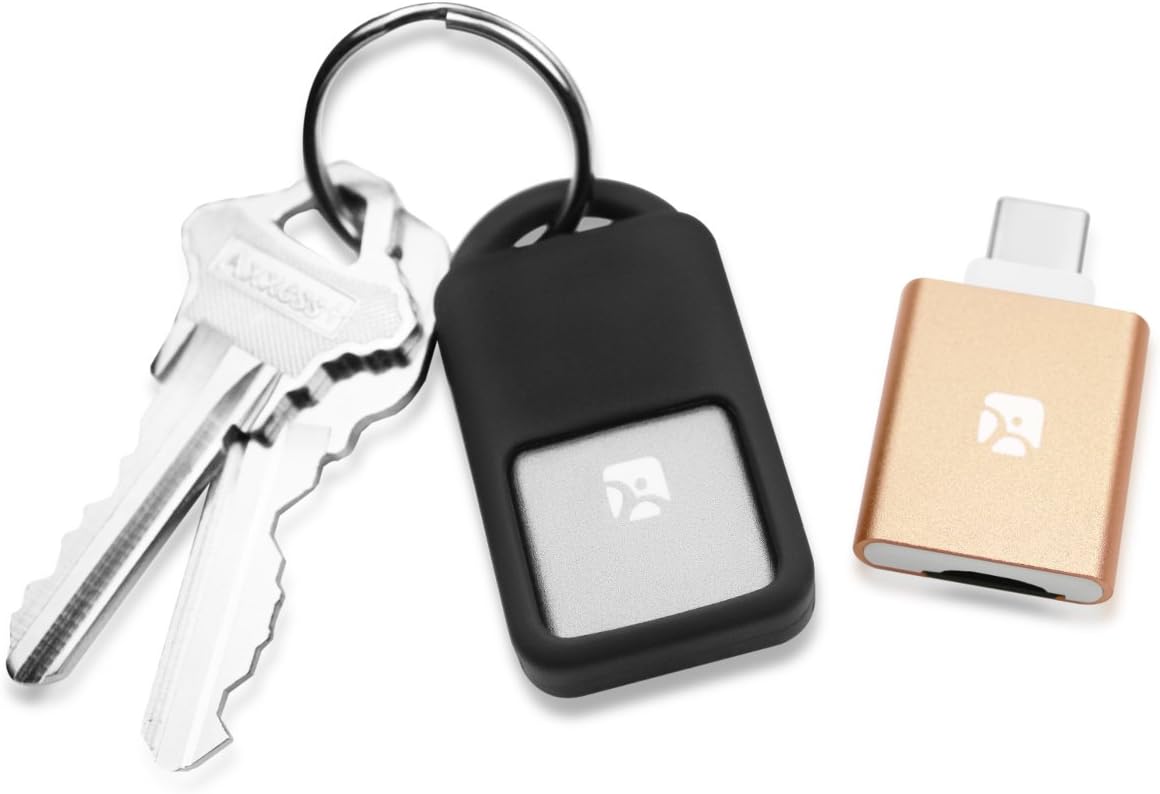
The included case covers the reader during storage and incorporates an opening for keychain attachment.
Take It Between Devices
Carry the same card reader between a compatible phone, tablet, laptop and desktop computer.
USB-C Compatibility Guide
The Device Must Support Data or USB OTG
A USB-C connector alone does not guarantee card-reader support. Phones and tablets must support USB OTG or compatible external storage access.
Page-Listed Device Families
Designed for USB-C Android and Computer Use
SAMSUNG GALAXY
USB-C Galaxy Models
The page lists several Galaxy S and Galaxy Note generations with USB-C and OTG support.
MOTOROLA AND ONEPLUS
Compatible Android Phones
Many recent models may work when the phone supports standard USB OTG storage accessories.
MACBOOK
USB-C Mac Computers
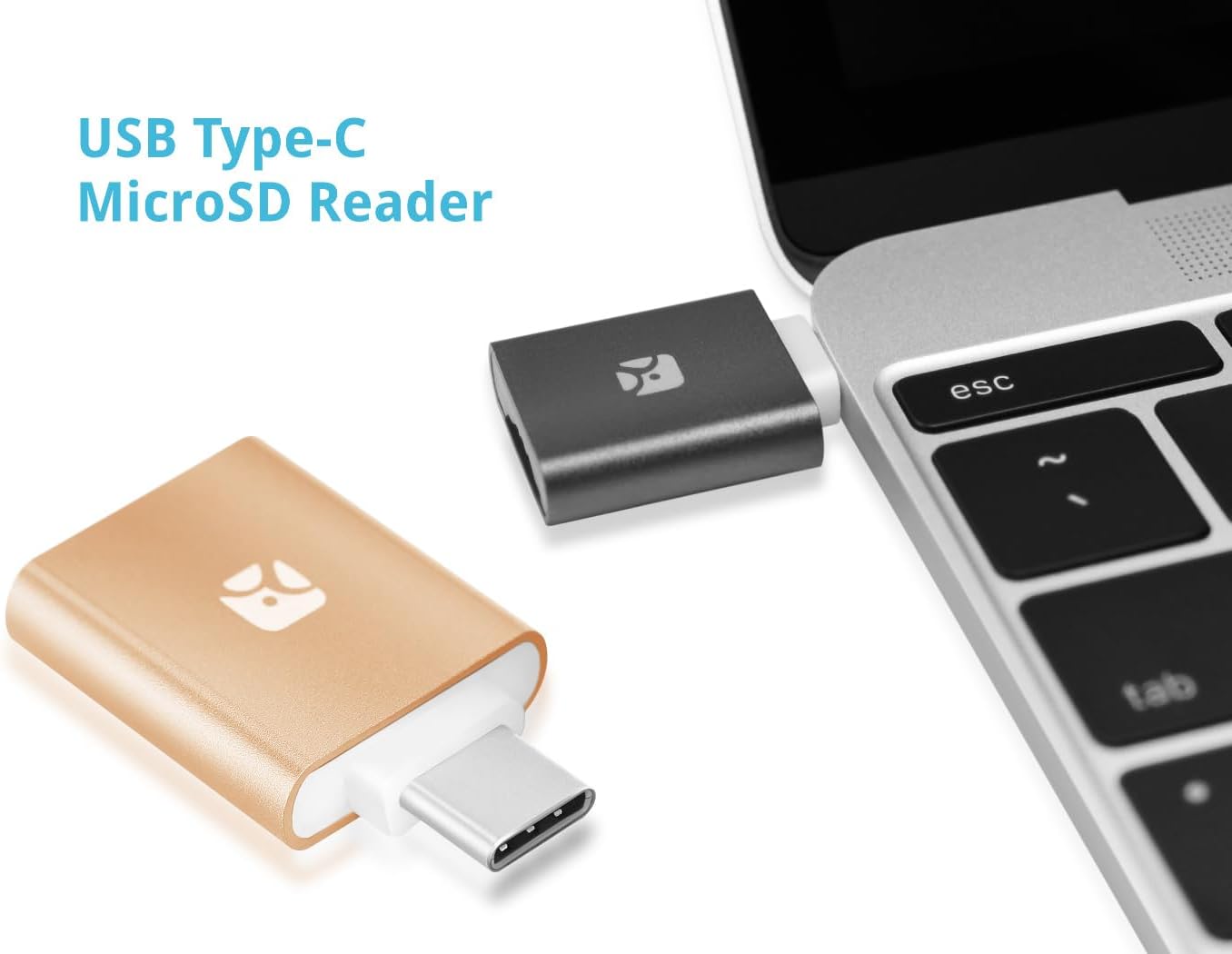
Connect directly to a compatible MacBook or Mac computer with a USB-C data port.
WINDOWS AND LINUX
Desktop and Laptop Use
Use the reader with a compatible USB-C computer for file access, copying and card management.
Color Options
Gray, Silver and Gold Listed
The page lists three colors, but the current title contains both “Silver” and “Gold.” Confirm the selected product variant before publishing the final title or images.
Simple File Access
Insert, Connect and Open
Insert the microSD Card
Push a compatible card into the spring-loaded slot until it locks into place.
Connect the USB-C Reader
Insert the reader into a compatible USB-C data port on the phone, tablet or computer.
Open the Storage Device
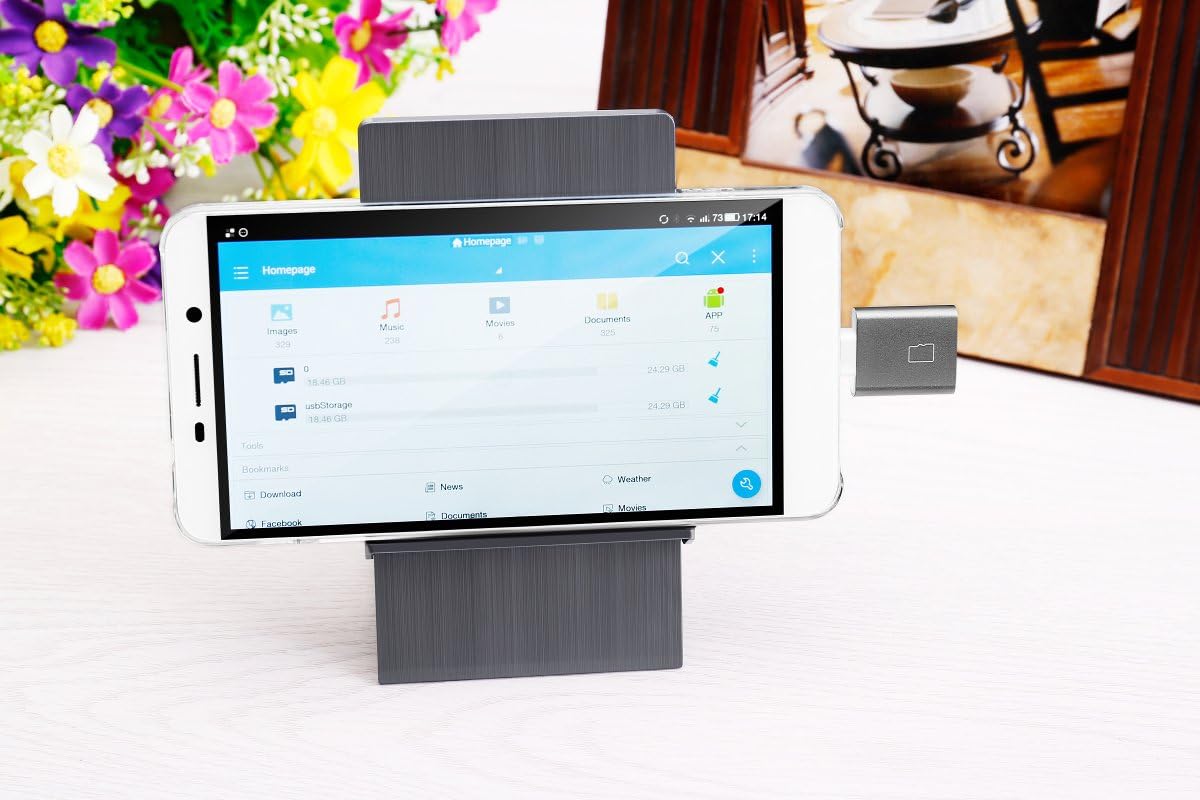
Use the device's file manager or compatible application to read, copy, move or delete supported files.
Product Details
Specifications
Transfer Speed Is Not Specified
The product page does not identify a USB version or measured read/write speed. Actual performance depends on the card, device, file system and connection.
USB OTG May Be Required
Android phones and tablets must support USB OTG or external USB storage. Some devices may require OTG to be enabled in system settings.
Confirm the Color Variant
The current title includes both Silver and Gold. Verify the active product variant, images and inventory before publishing the revised title.
Highlights explained
Connector layout
USB-C
This product uses USB-C connections. Match the plug, socket and required function to your equipment; connector shape alone does not establish charging, data, audio or video support.
Memory-card access
microSD / SDHC / SDXC
The microSD / SDHC / SDXC card connection provides access to compatible removable media. Check the supported card format, host software and whether simultaneous slot access is available on this version.
Physical controls
Spring-loaded card slot
The Spring-loaded card slot controls provide the specified way to operate the product. Follow the model-specific button, touch or gesture instructions to avoid confusing similar-looking versions.
Package selection
Protective carrying case
Check the Protective carrying case package and selected option before purchase. Demonstration phones, drives, watches or other props are not included unless the package description expressly lists them.
Practical use
Viewing photos and copying files on a compatible host
Use the product for Viewing photos and copying files on a compatible host, with compatible equipment and the specified connection. Plan the space, power source and accessories needed for that task before ordering.