


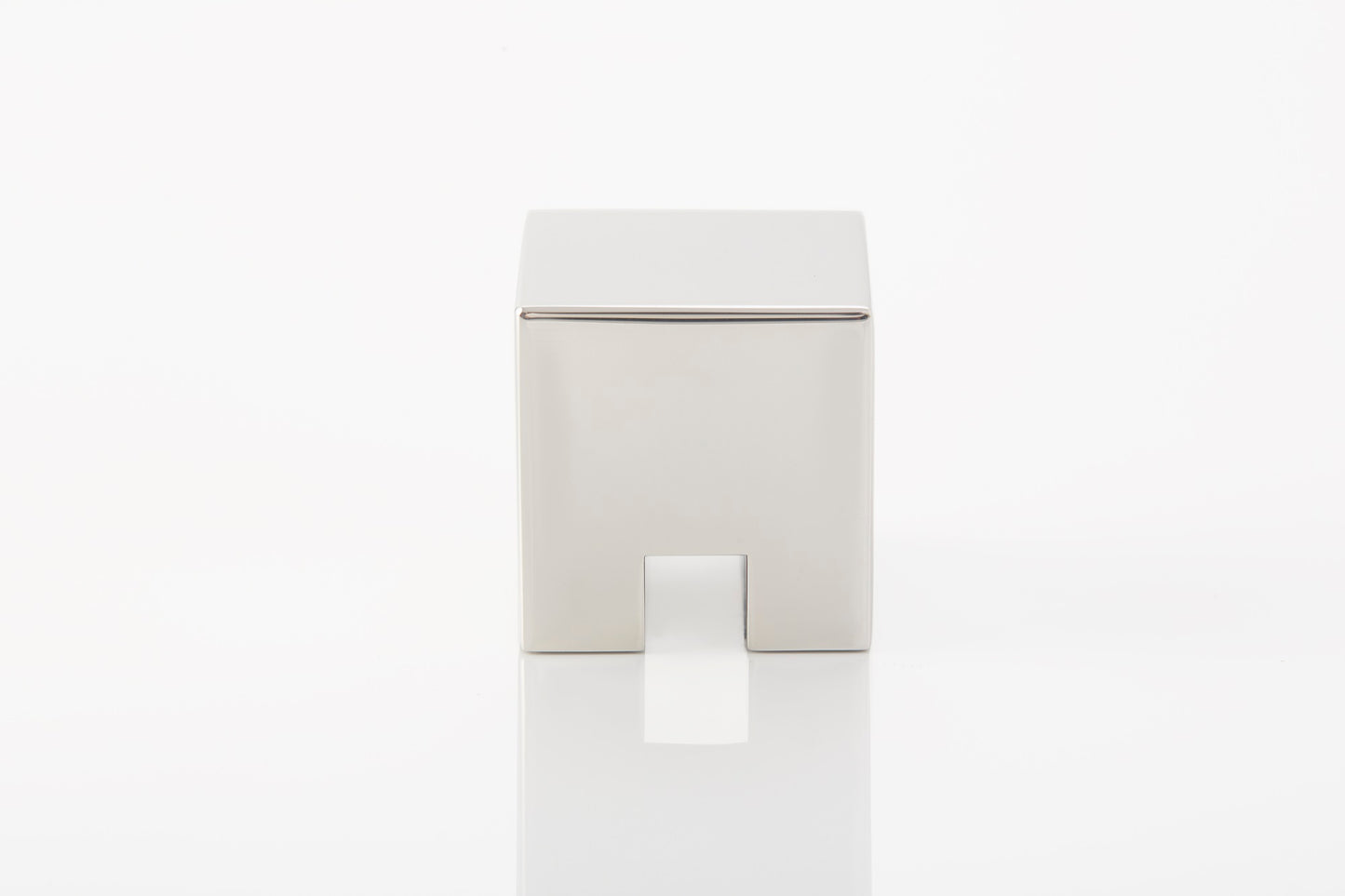
Weighted Stainless Steel Cable Organizer
Keep Three Cables Ready Without Sticking Anything Down
A compact 304 stainless steel cable holder that stays in place through its own weight and anti-slip base. Organize charging, data and audio cables while keeping your desk free from adhesive residue.
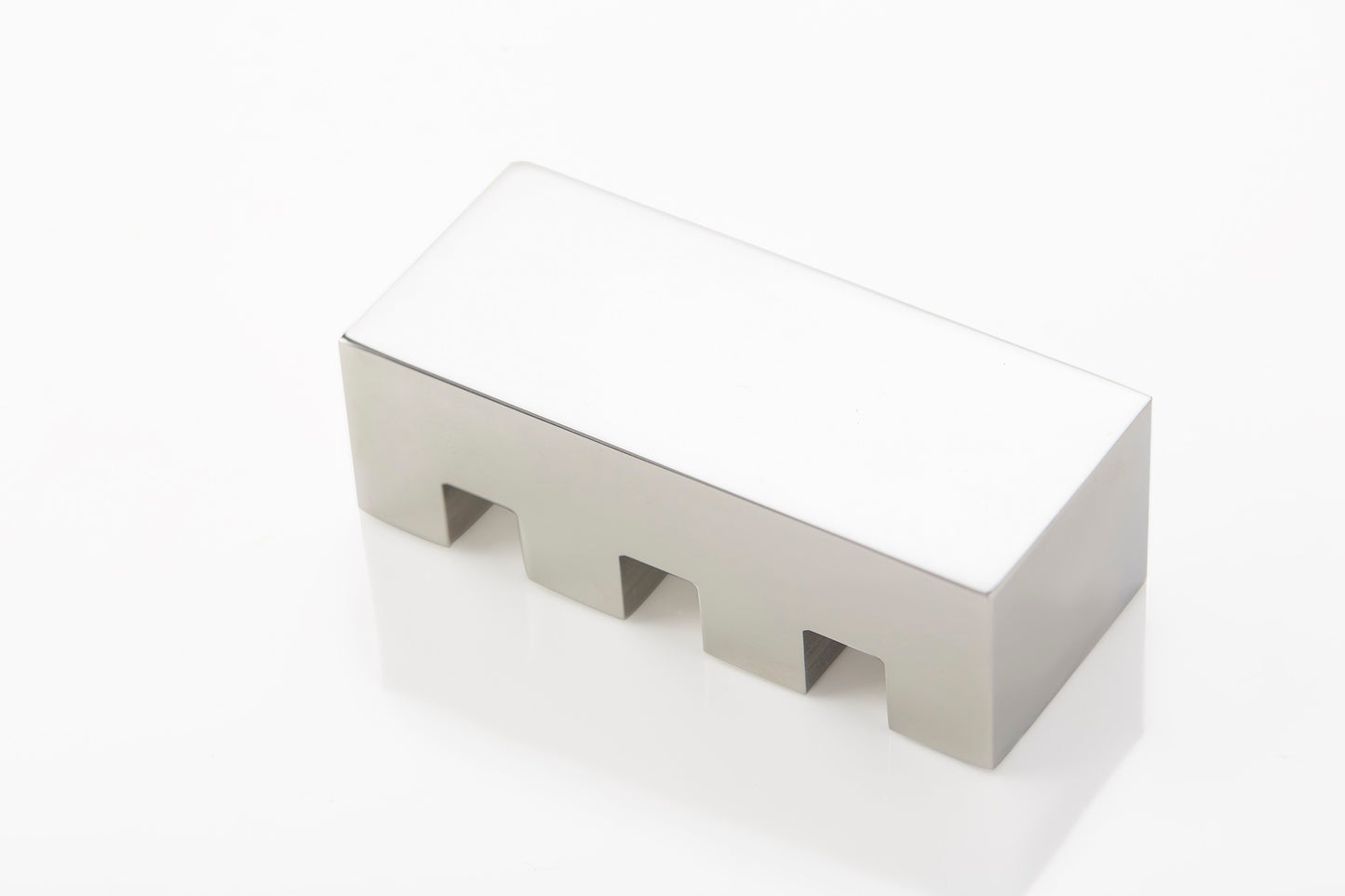
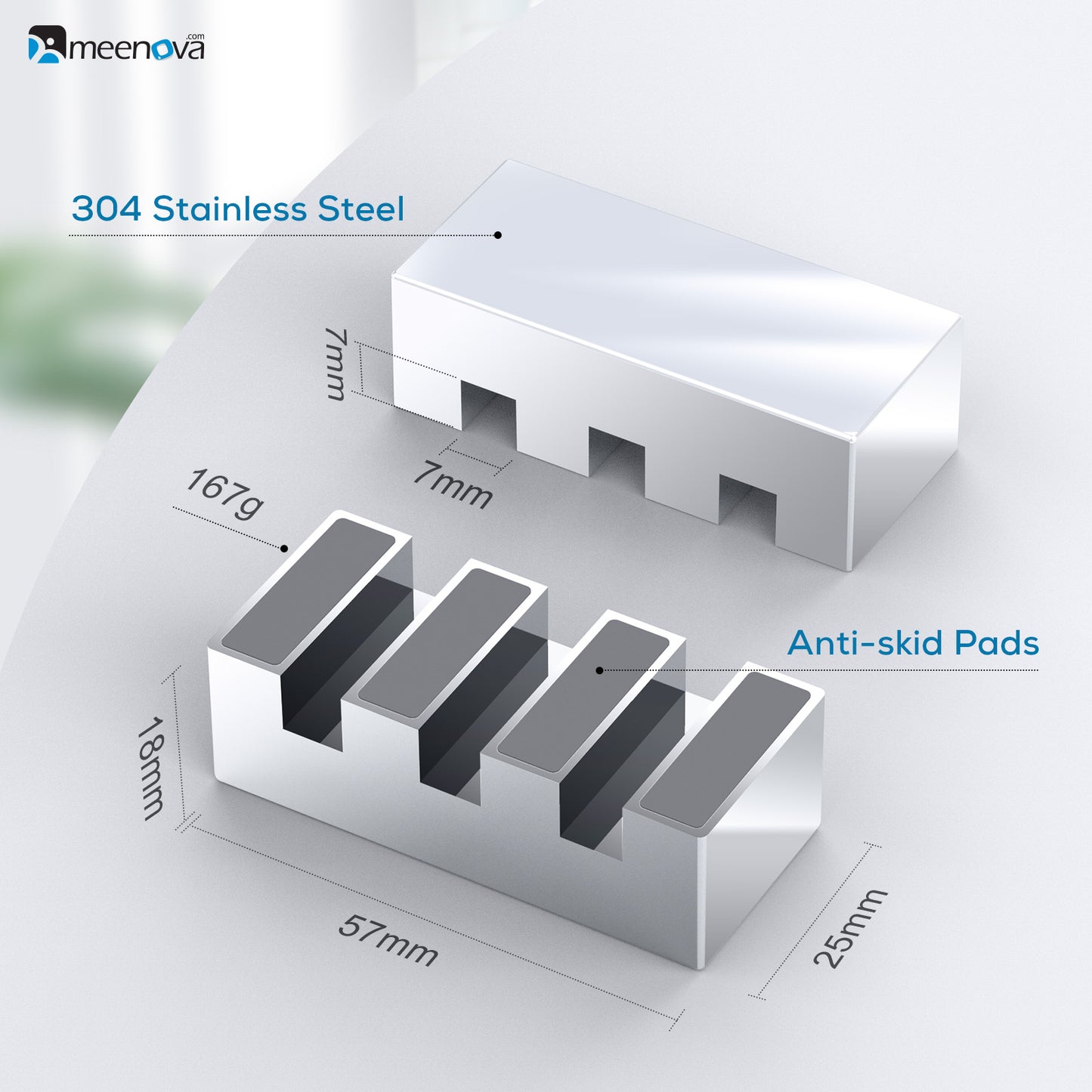
Three approximately 7mm cable slots in a movable weighted body
Adhesive-Free Cable Control
Move It Whenever Your Setup Changes
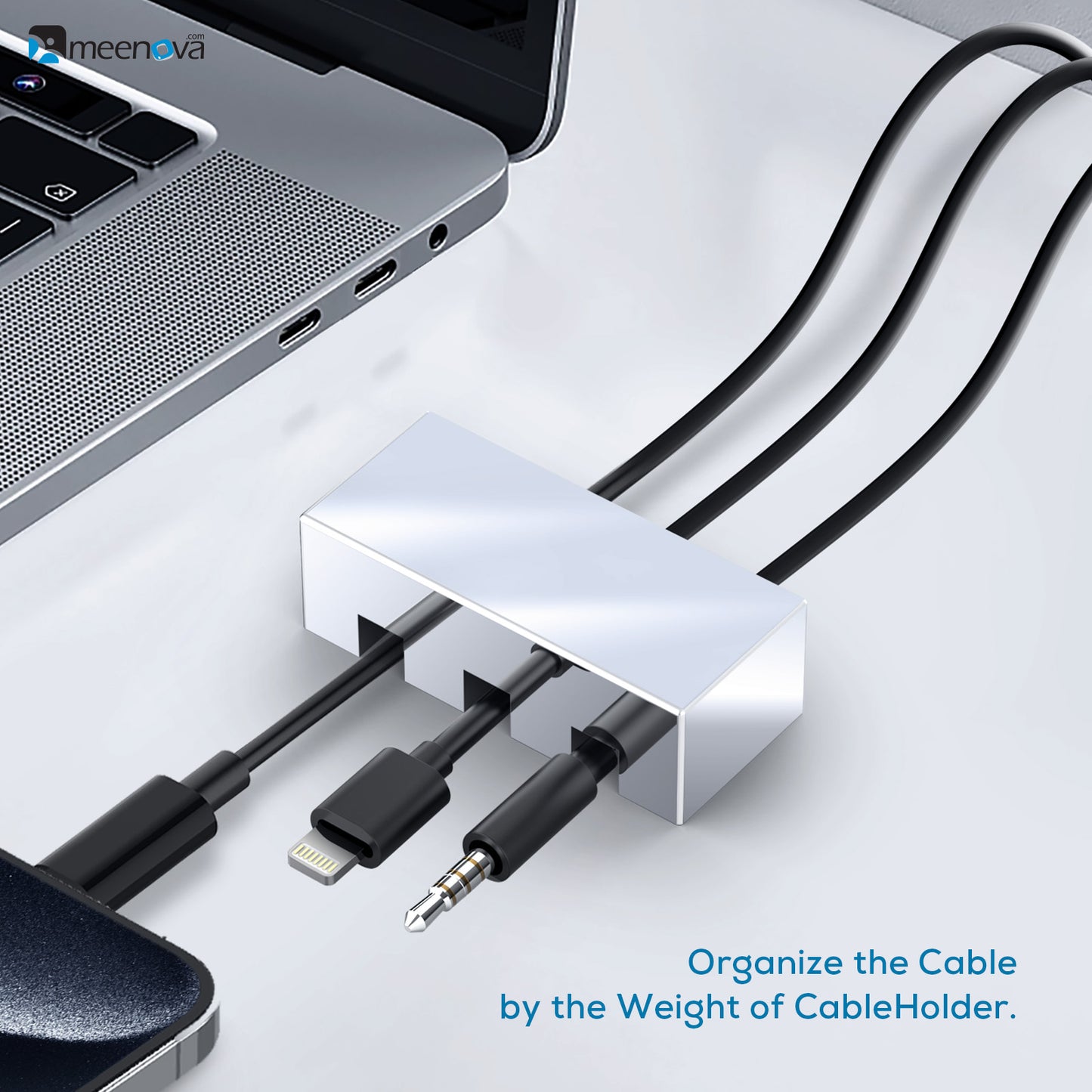
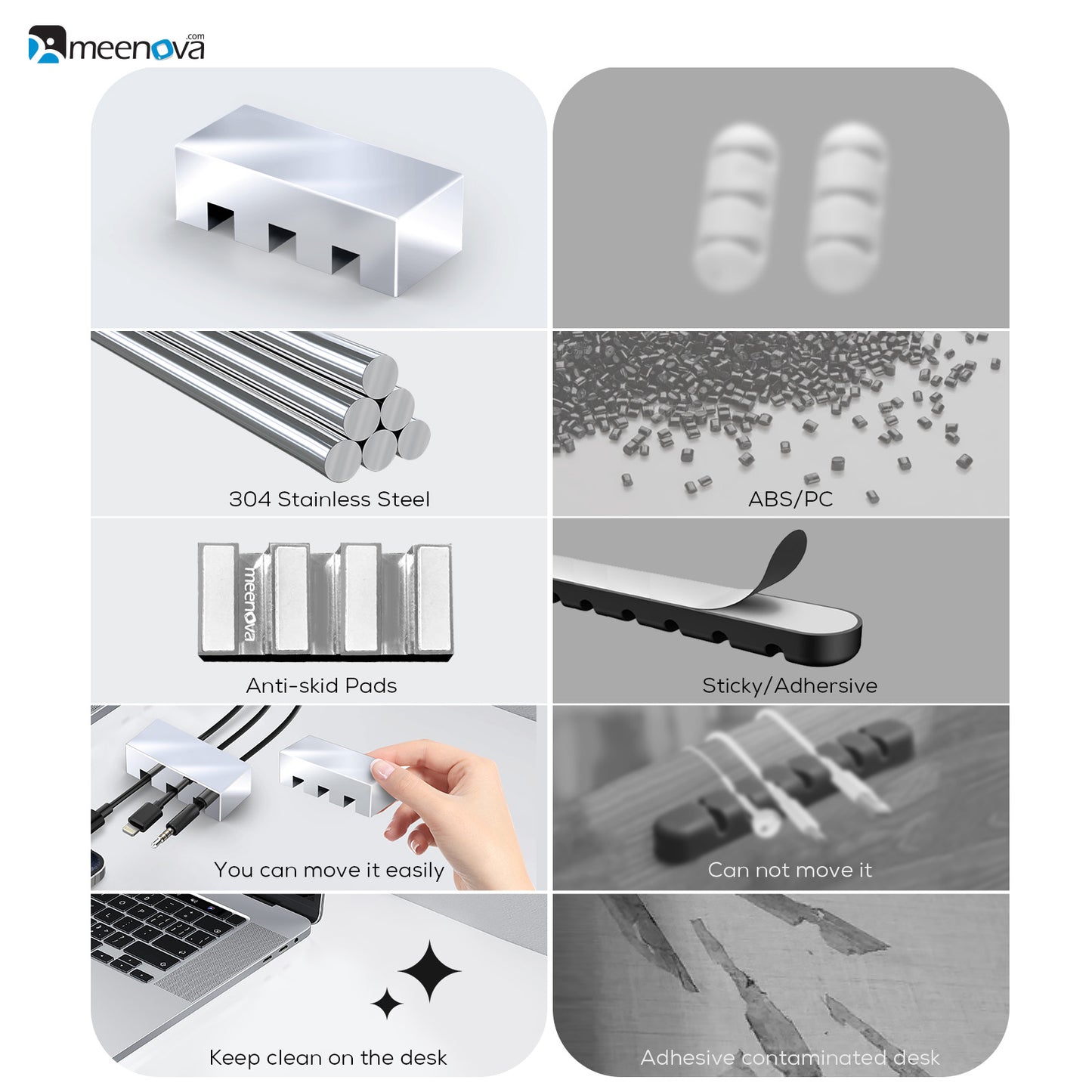
The holder relies on its stainless steel weight and anti-slip base instead of tape. Reposition it beside a laptop, charging station, monitor or nightstand without peeling adhesive from the surface.
No adhesive strip is required for normal placement.
Avoid sticky marks and damaged finishes from disposable adhesive holders.
Lift and move the organizer as devices and cable routes change.
Three Independent Slots
Keep Multiple Connectors Within Reach
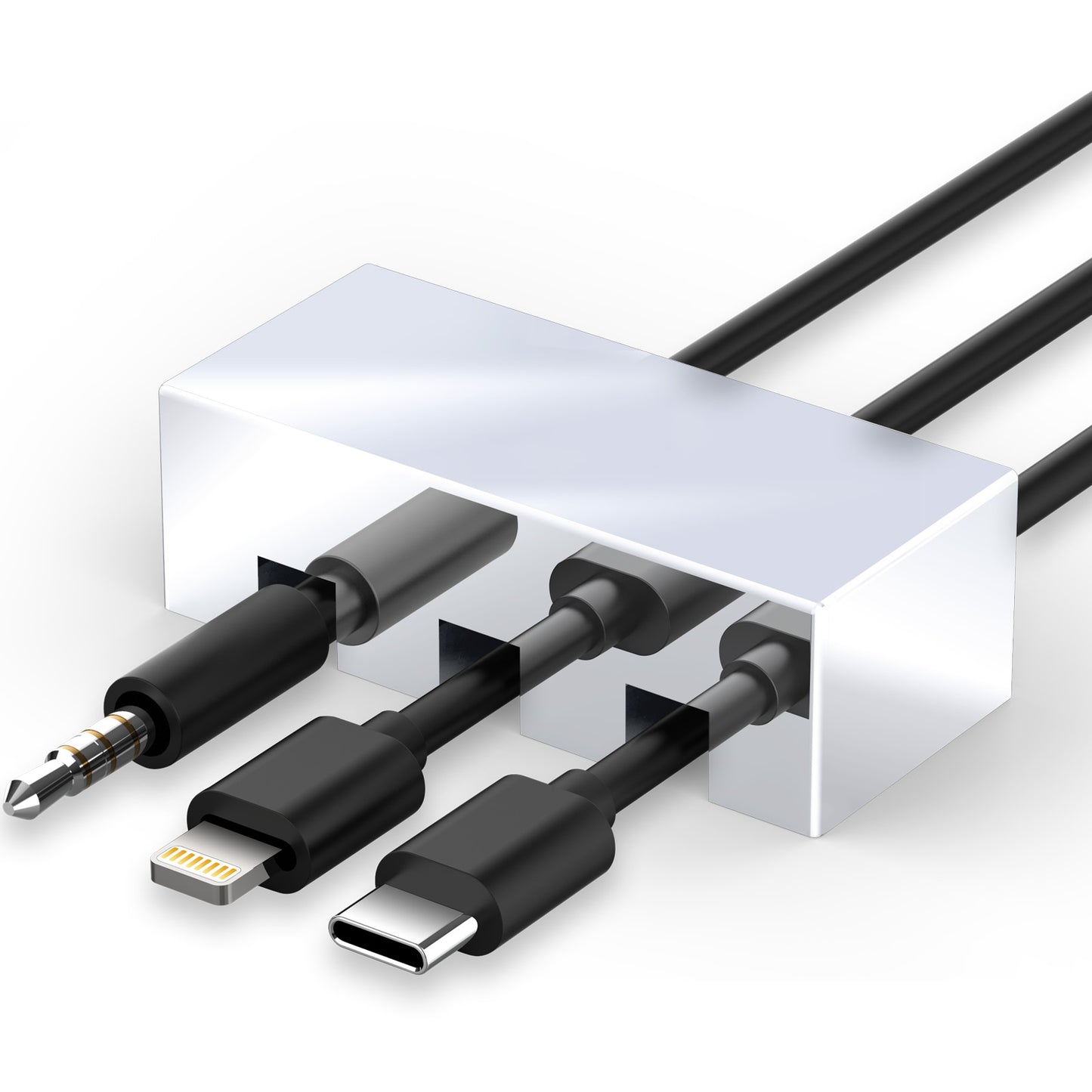
Route three cables through separate openings so they remain organized and accessible instead of falling behind the desk.
SLOT 01
Laptop or Power Cable
Keep a frequently used charging connection close to the edge of the desk.
SLOT 02
Phone Charging Cable
Hold a USB-C, Lightning or other compatible charging cable in a consistent position.
SLOT 03
Audio or Data Cable
Separate headphone, Ethernet, mouse, keyboard or data cables from power connections.
Stainless Steel Construction
A Solid Organizer with a Minimal Finish
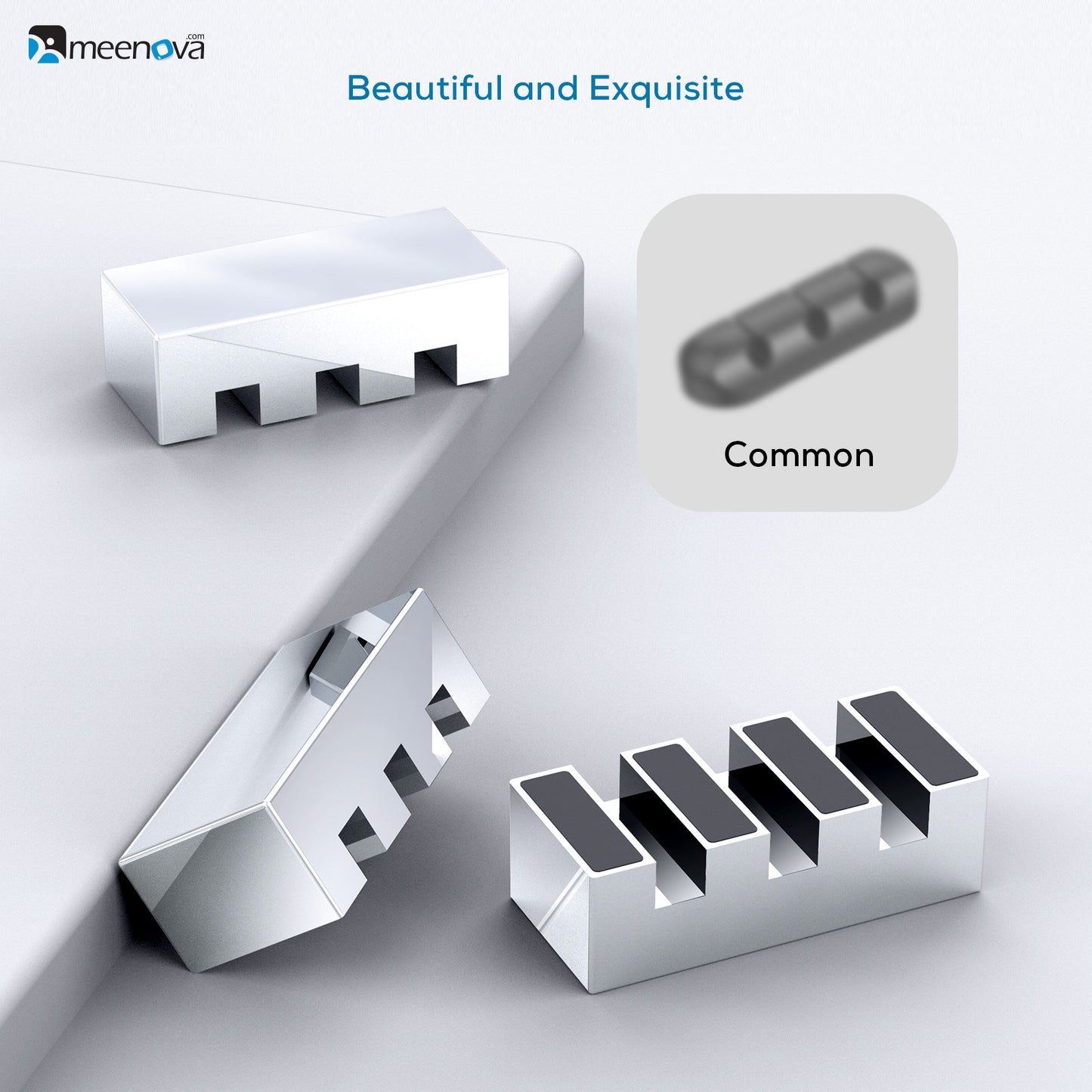
The 304 stainless steel body provides the weight needed to hold cable routes in place while giving the organizer a clean silver finish that suits modern desks and charging areas.
Anti-slip pads underneath help increase friction on smooth desk surfaces.
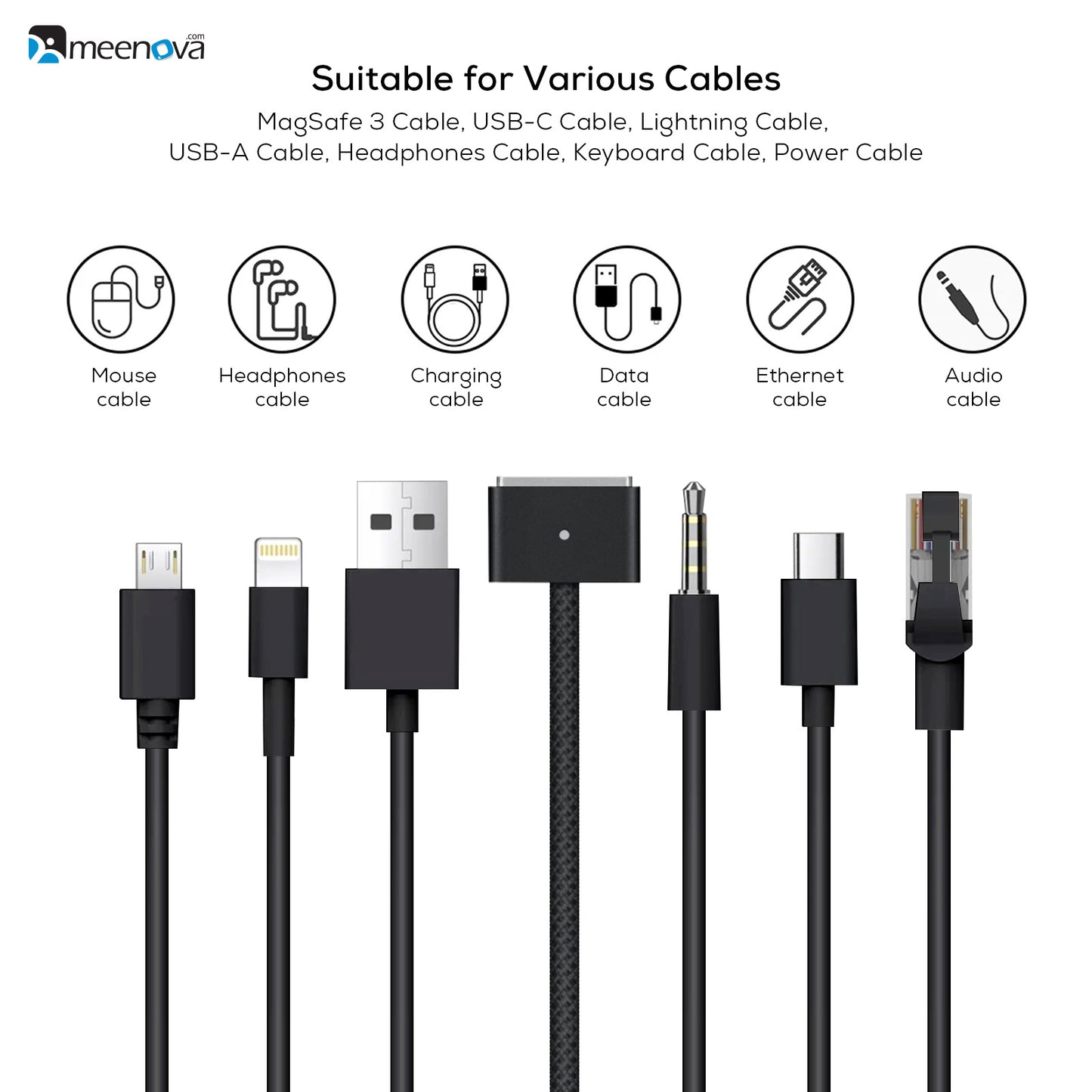
Suitable Cable Types
Organize More Than Charging Cables
Compact Triple-Slot Size
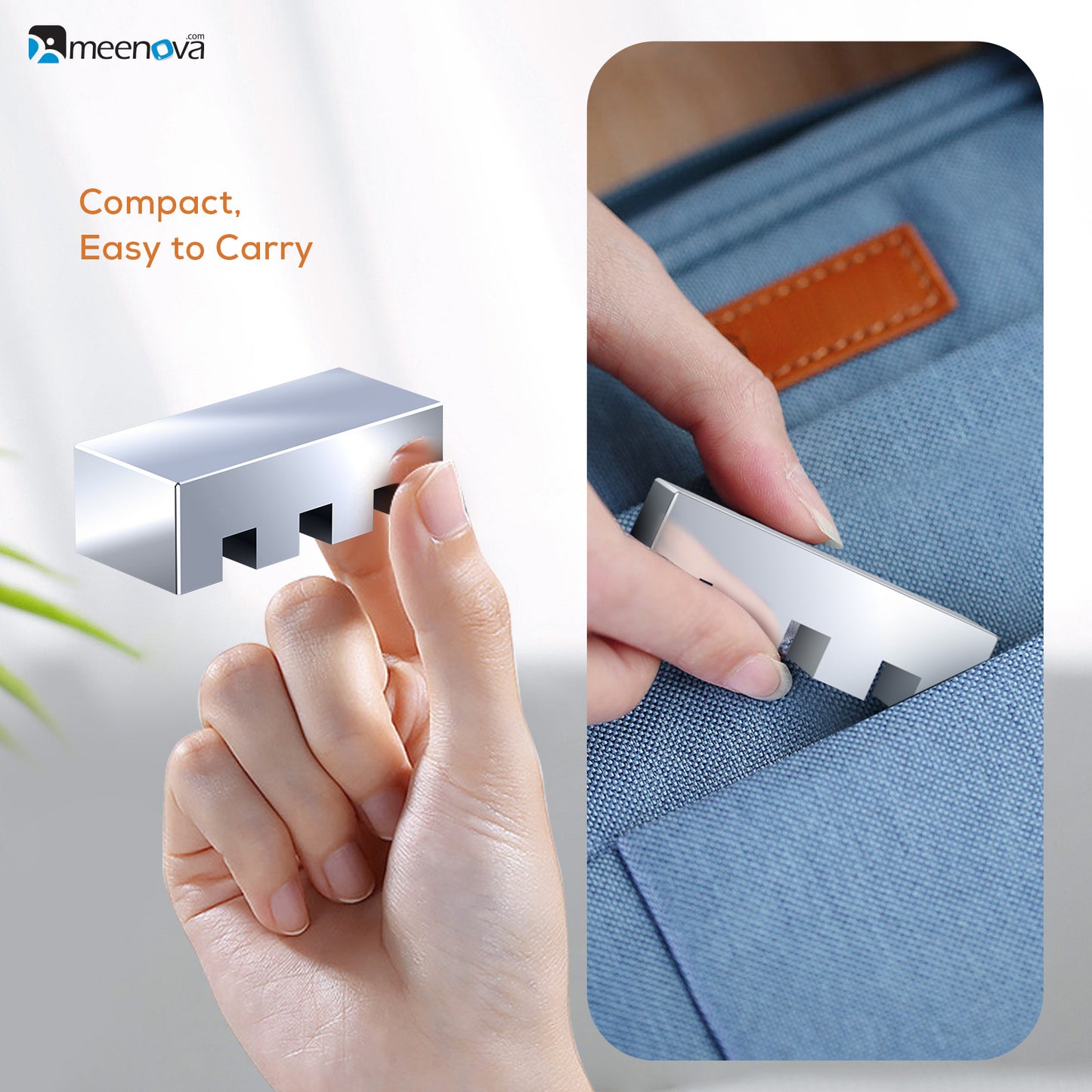
Small Footprint, Solid Weight
The organizer occupies only a small area of the desk while the stainless steel construction provides enough weight for everyday cable management.
Simple Desk Setup
Organize Cables in Three Steps
Check the Cable Size
Confirm that the cable body fits within the approximately 7mm slot opening.
Route the Cable
Place the cable body through a slot while leaving the connector accessible in front.
Position the Holder
Set it where the connectors are easy to reach and move it whenever your desk layout changes.
Single-Slot and Triple-Slot Options
The product page offers both versions. The dimensions and 167g weight shown in this description apply to the triple-slot model.
Product Details
Specifications
Check Cable Thickness
The slots are approximately 7mm wide. Thick braided cables or unusual cable shapes may not fit.
Connector Size
The cable body fits through the slot. Large connectors may need to remain on the front side instead of passing through it.
Surface Conditions
For better stability, place the anti-slip base on a clean, dry and reasonably level surface.
Highlights explained
Metal construction
304 stainless steel
The listed metal elements are 304 stainless steel. These add the specified finish and structure; a metal frame or button does not mean that the entire product body is metal.
Cable positions
Single / triple options
The Single / triple options openings provide separate positions for compatible cable sizes. Route cables so connectors stay accessible without forcing a thick cable into an unsuitable slot.
Adhesive-free placement
Weighted base
The Weighted base design holds cables without permanently sticking the organizer down. Place it on a suitable stable surface and reposition it as your desk layout changes.
Contact surfaces
Anti-slip base
The Anti-slip base contact surfaces help the product sit or support a device as intended. Keep the surface clean and check stability; anti-slip material cannot prevent every movement or fall.
Practical use
Keeping desk charging cables within reach
Use the product for Keeping desk charging cables within reach, with compatible equipment and the specified connection. Plan the space, power source and accessories needed for that task before ordering.