


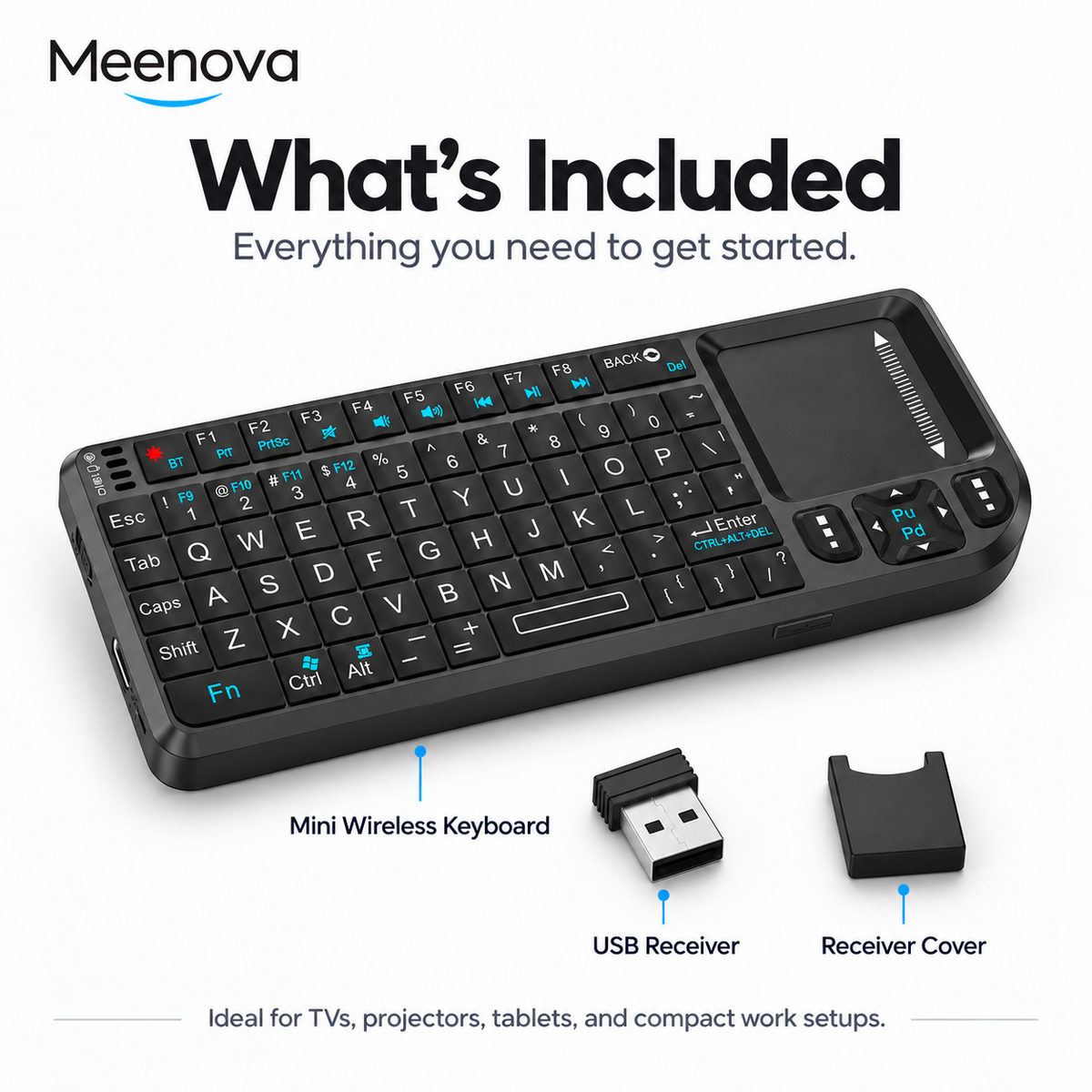
Keyboard, Touchpad, and Laser Pointer in One Compact Device
A portable wireless keyboard that combines full keyboard control, a responsive touchpad, and a red laser pointer. Switch between 2.4G wireless and Bluetooth modes for PCs, TVs, phones, tablets, and other compatible devices.
Control, Navigate, and Present Without a Full-Size Keyboard
The compact design combines keyboard input, touchpad navigation, and a red laser pointer in one handheld controller. It is designed for presentations, home entertainment, remote PC control, and portable productivity.
Type from a Compact Handheld Layout
Use the built-in keyboard for text entry, search, navigation, presentations, and basic computer or smart-TV control.
Navigate Without a Separate Mouse
The integrated touchpad provides cursor control without requiring a physical mouse, making the keyboard easier to use from a couch, presentation area, or desk.
Highlight Key Points During Presentations
The integrated red laser pointer helps direct attention to specific areas of a presentation screen or projected image.
Easier Typing in Low-Light Environments
Seven backlight colors provide visibility when using the keyboard in darker rooms, home theaters, or presentation environments.
Choose 2.4G Wireless or Bluetooth
Use the USB receiver for compatible PCs, TVs, and other USB-equipped devices, or switch to Bluetooth for supported phones and tablets.
USB Receiver Mode
Insert the USB receiver into a compatible USB port for plug-and-play wireless control. A USB hub may be required for Macs without a suitable USB port.
Phone & Tablet Mode
Enter Bluetooth pairing mode with Fn + BT, then select the keyboard from the Bluetooth settings of a compatible device.
Up to 10 Meters of Wireless Control
The product is designed for remote control from a distance of up to 10 meters. Actual range can vary depending on walls, interference, connected equipment, and the surrounding wireless environment.
Designed for Computers, TVs, Mobile Devices, and More
The product page lists support for Windows, macOS, Linux, Android, HarmonyOS, and iOS, with compatibility extending to PCs, laptops, smart TVs, projectors, smartphones, and tablets.
Use compatible computers through 2.4G wireless with the included USB receiver.
Highlights explained
Keyboard layout
Mini keyboard
The Mini keyboard layout provides physical input for typing or repeated commands. Check the exact layout and selected version; key functions and shortcuts may differ by operating system.
Touch control
Integrated touchpad
The Integrated touchpad touch surface adds cursor or gesture control to a compatible setup. Supported gestures depend on the operating system; check the selected keyboard version.
Wireless modes
2.4GHz + Bluetooth
The 2.4GHz + Bluetooth connection options let you match a supported host. Receiver-based modes need the appropriate USB receiver, while Bluetooth modes require a compatible Bluetooth device.
Lighting options
Seven backlight colors
The listed Seven backlight colors lighting options let you adjust the appearance for the workspace. Supported colors and modes depend on the selected model; lighting also affects battery use where applicable.
Physical controls
Red laser pointer
The Red laser pointer controls provide the specified way to operate the product. Follow the model-specific button, touch or gesture instructions to avoid confusing similar-looking versions.
Practical use
Typing, navigation and presentations with compatible equipment
Use the product for Typing, navigation and presentations with compatible equipment, with compatible equipment and the specified connection. Plan the space, power source and accessories needed for that task before ordering.