


MEENOVA / AUDIO & DATA
Your USB-C gear.
Your Lightning device.
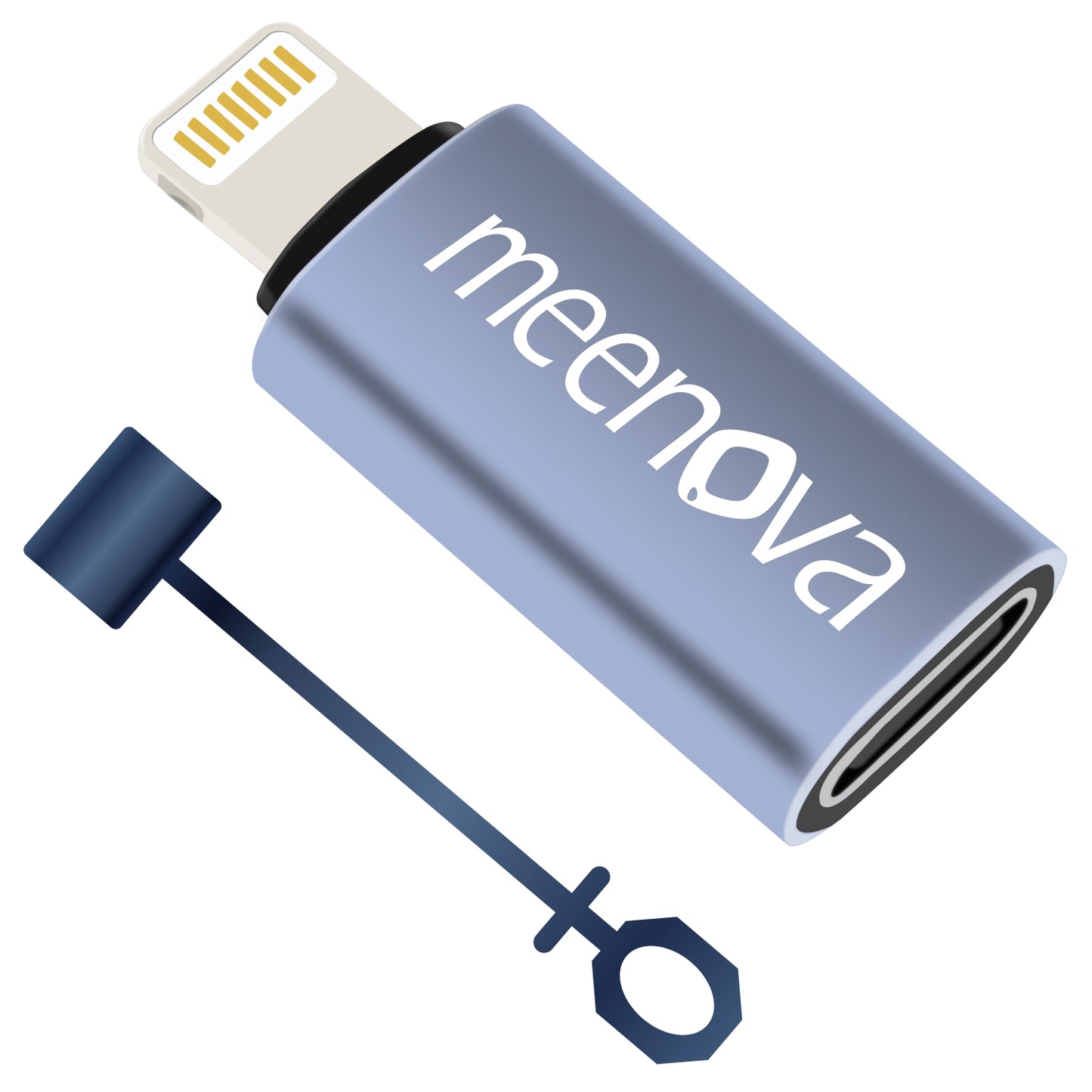
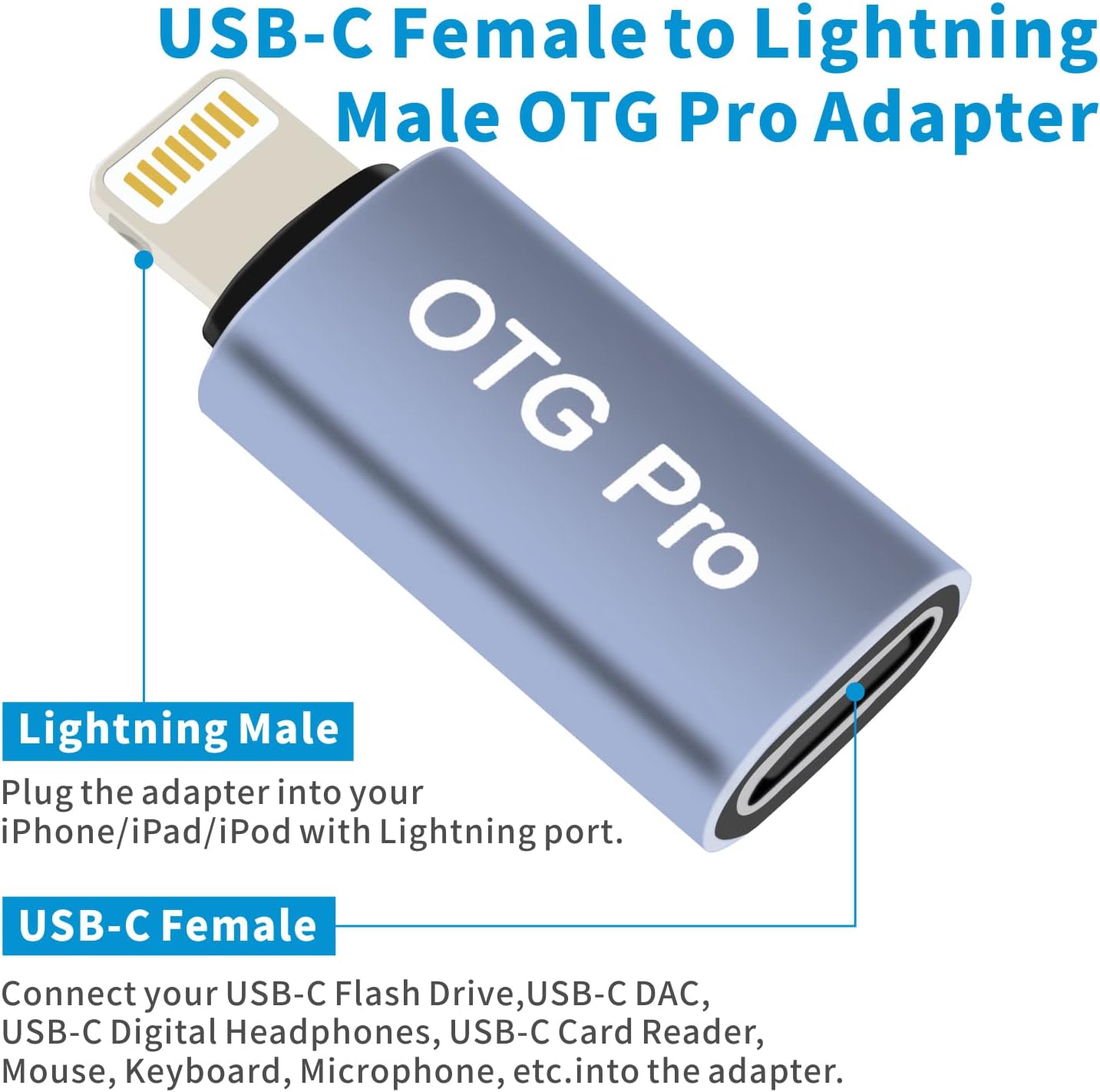
Bring compatible USB-C DACs, digital headphones and storage accessories to your Lightning-equipped iPhone, iPad or iPod with one compact OTG adapter.
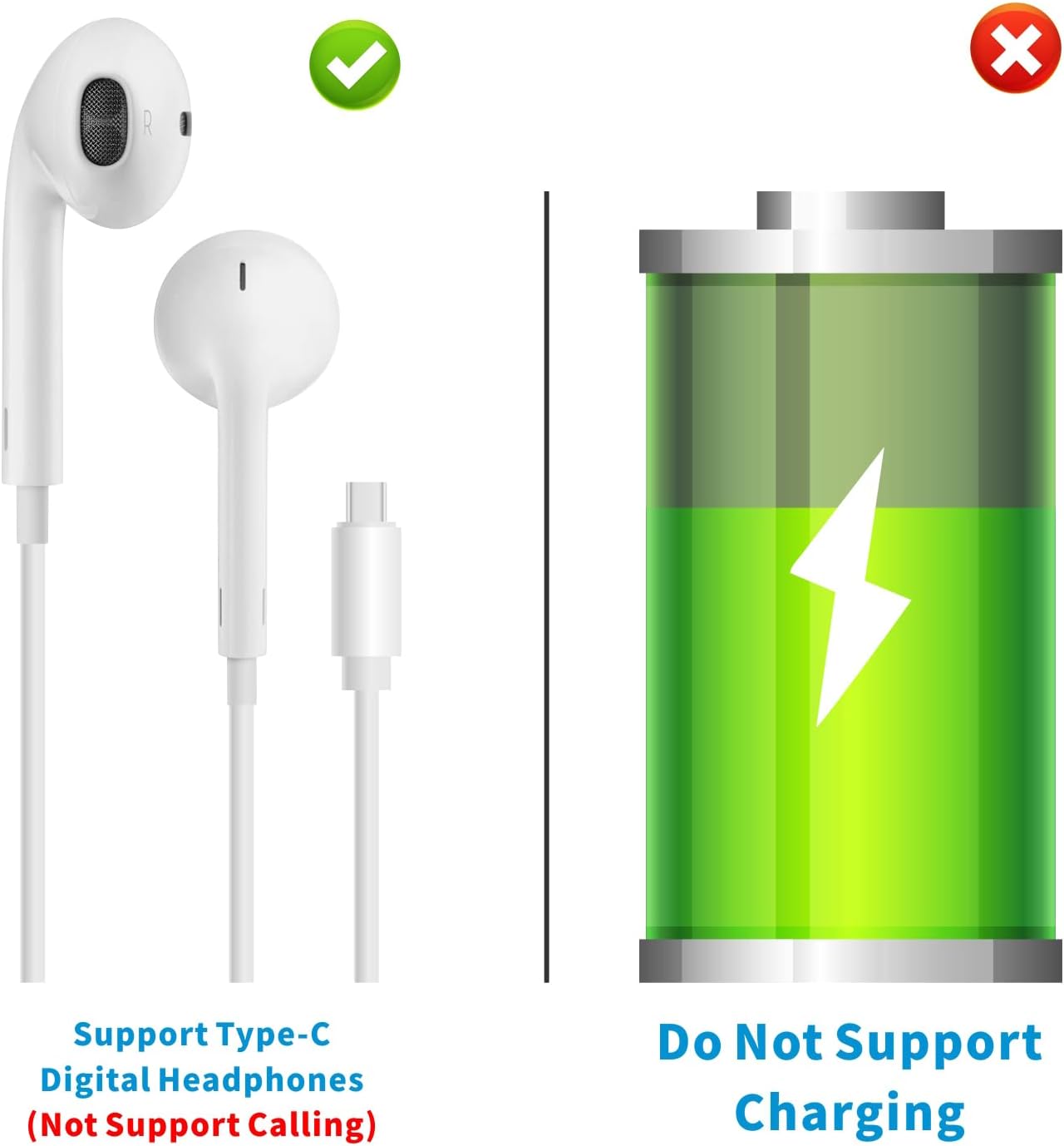
Audio and data only. This adapter does not charge your iPhone, iPad or AirPods.

LISTEN. ACCESS. CONNECT.
More ways to use the gear you own.
Keep your wired audio setup
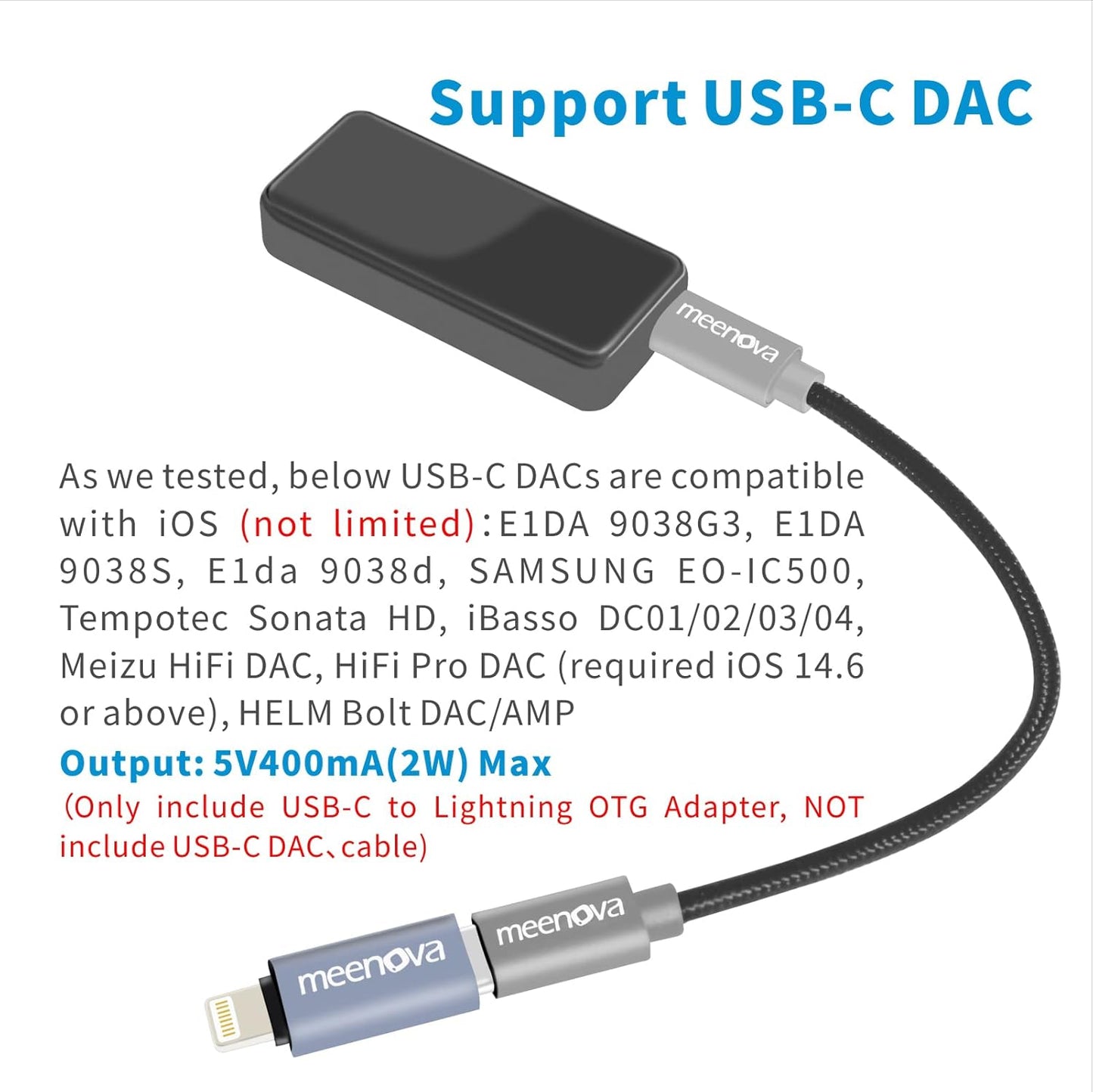
Connect an iOS-compatible USB-C digital-to-analog converter (DAC) using a USB-C data cable, or plug in compatible digital USB-C headphones for music playback.
Open files from USB storage
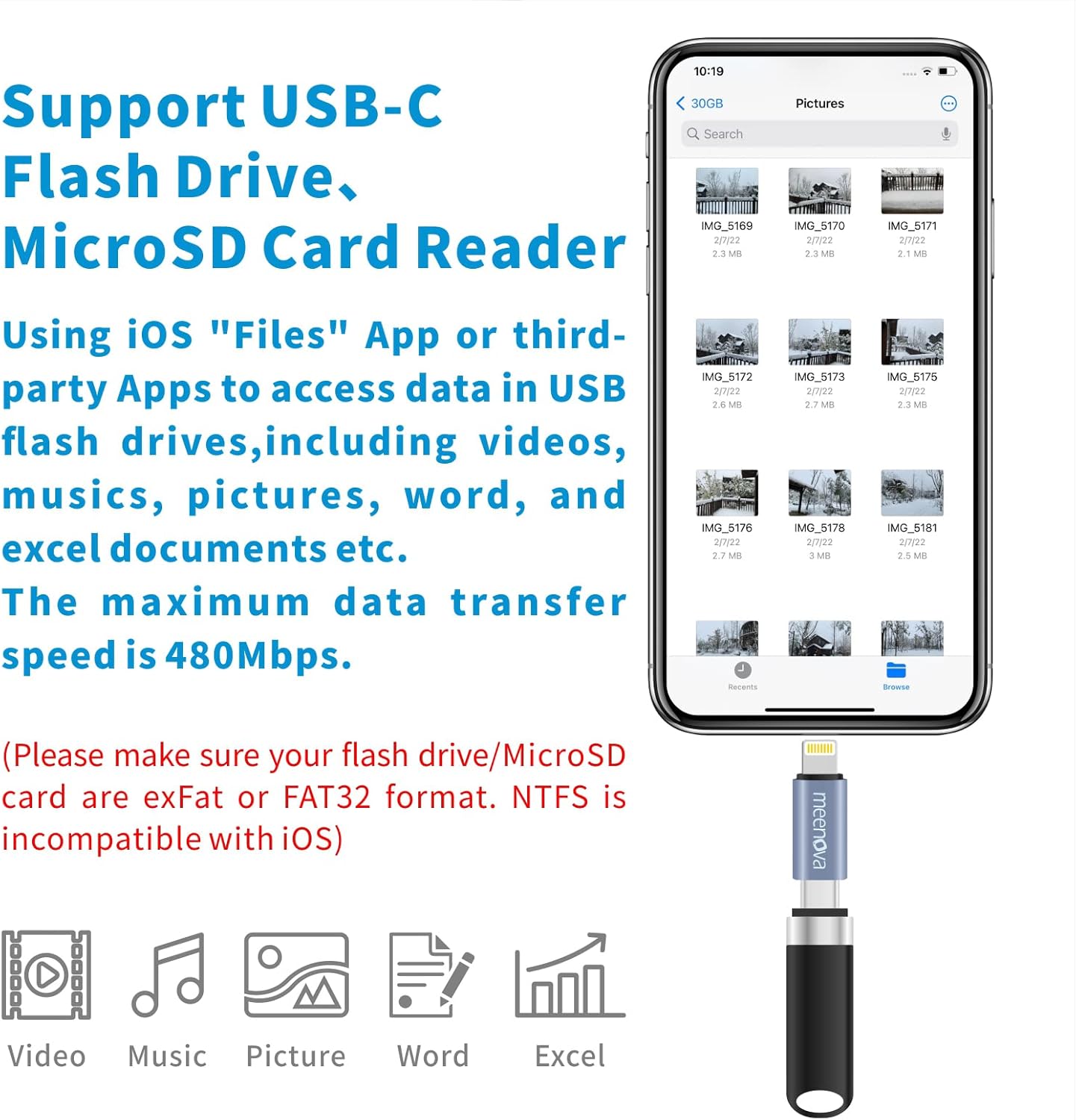
Access supported photos, videos and documents on a USB-C flash drive or USB-C SD/microSD card reader through the Files app or another compatible app.
Connect useful USB accessories
Use supported USB microphones, keyboards, mice or Ethernet adapters, directly or through a compatible USB-C hub. Accessory, operating system and app support are required.
Power for connected accessories
Up to 400mA at 5V
For compatible peripherals, with a maximum rated output of 2W. When using a hub, keep the combined draw of the hub and attached devices below 400mA.
Data transfer capability
Up to 480 Mbps
Maximum interface rate, not a guaranteed file-copy speed. Actual transfer speeds depend on the host device, connected storage, cable and app.
COMPATIBILITY FIRST
Check the port. Then the accessory.
A matching connector is only the first step. Your device's operating system must also support the connected accessory.
Lightning side: your Apple device
Plugs into Lightning-equipped iPhone, iPad and iPod models, including the iPhone 11, 12, 13 and 14 series.
Not a direct fit for USB-C iPhones or USB-C iPads. Check your device's port before ordering.
USB-C side: your accessory
Direct connection: A supported accessory with a USB-C male plug.
With a data cable: A compatible DAC with a USB-C input.
With a USB-C hub: Supported USB peripherals within the shared power limit. Ethernet adapters require a driver built into iOS.
Audio limits: USB-C headphones must have a built-in DAC. Analog USB-C earphones and headset calling are not supported. DAC and microphone compatibility varies by device, operating system and app.
No video output: HDMI and video output through a USB-C hub are not supported.
GET CONNECTED
A simple three-step setup.
01
Connect the Lightning end
Insert the adapter into the Lightning port on your compatible iPhone, iPad or iPod.
02
Attach your USB-C accessory
Connect it directly, or use a USB-C data cable for a DAC. The cable must support data, not charging only.
03
Open the appropriate app
Use a compatible audio or recording app, or open Files to access supported external storage.
Storage format matters. Use exFAT or FAT32 for flash drives and memory cards. NTFS-formatted storage is not supported.

SMALL ENOUGH TO BRING ALONG
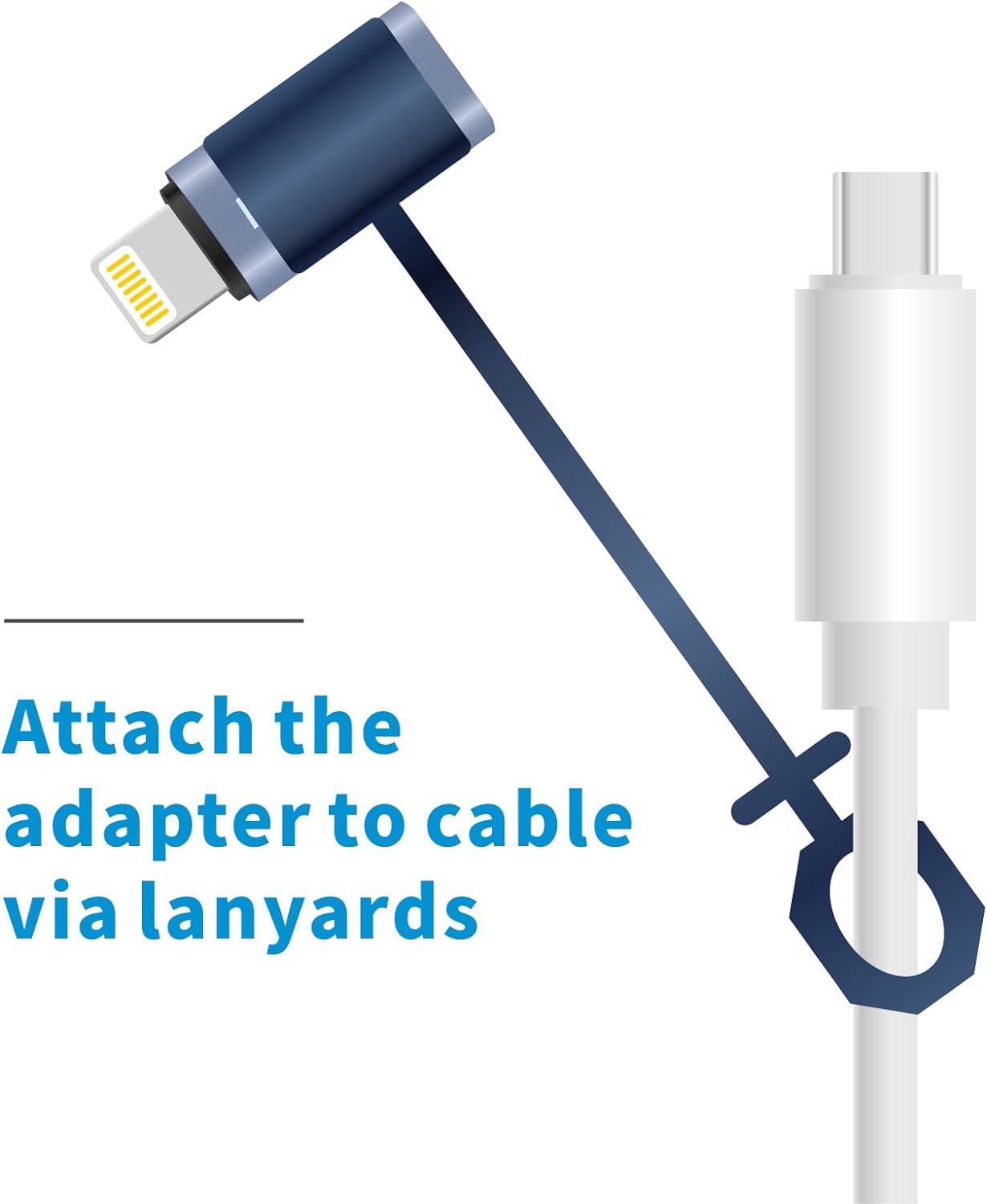
Keep it with your cable.
The included anti-lost holder loops onto your cable, helping keep the adapter close when it is unplugged. Its compact 22mm length makes it easy to tuck into your audio kit or accessory pouch.
In the box
OTG adapter with anti-lost holder.
USB-C cables, DACs, storage devices and other illustrated accessories are not included.
Technical specifications
Approximately 0.87 × 0.47 × 0.28in
Highlights explained
Connector layout
Lightning male / USB-C female
This product uses Lightning male / USB-C female connections. Match the plug, socket and required function to your equipment; connector shape alone does not establish charging, data, audio or video support.
Maximum rated power
5V / 400mA accessory
The listed maximum is 5V / 400mA accessory. Check the connection, operating mode, selected version and device requirements before relying on that rating. Multiple outputs do not necessarily deliver their individual maxima together.
Interface bandwidth
480Mbps
The listed interface rate is up to 480Mbps. Actual file-copy speed depends on both devices, the cable, storage, software and file sizes; interface bandwidth is not a guaranteed transfer speed.
Purpose-built OTG
Audio and data
Use this Audio and data connection with compatible host devices and supported peripherals. Check direction, accessory power and operating-system support. An OTG cable is not automatically an ordinary phone-charging cable.
Physical controls
Anti-lost holder
The Anti-lost holder controls provide the specified way to operate the product. Follow the model-specific button, touch or gesture instructions to avoid confusing similar-looking versions.
Practical use
Reusing supported USB-C audio or storage with Lightning
Use the product for Reusing supported USB-C audio or storage with Lightning, with compatible equipment and the specified connection. Plan the space, power source and accessories needed for that task before ordering.