

Meenova
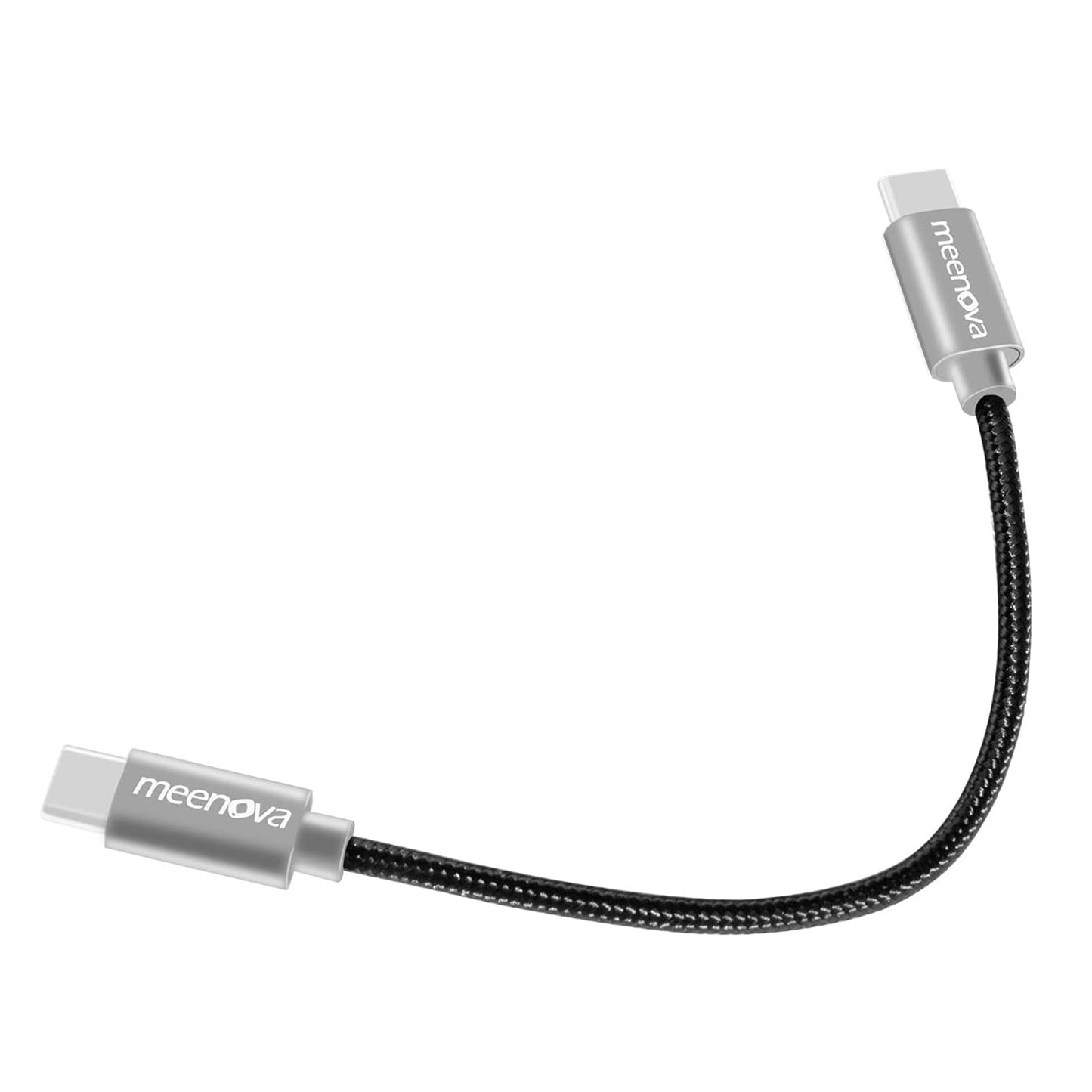
Meenova USB-C OTG Pro DAC Cable 0.5ft/15cm for Android Smartphone, Galaxy S22 21 Note20,Fiio BTR 5 Q3S BTR3K, qudelix 5k, xd-05 Plus, HIDIZS S9 PRO
Meenova USB-C OTG Pro DAC Cable 0.5ft/15cm for Android Smartphone, Galaxy S22 21 Note20,Fiio BTR 5 Q3S BTR3K, qudelix 5k, xd-05 Plus, HIDIZS S9 PRO
Couldn't load pickup availability
USB-C Digital Audio OTG
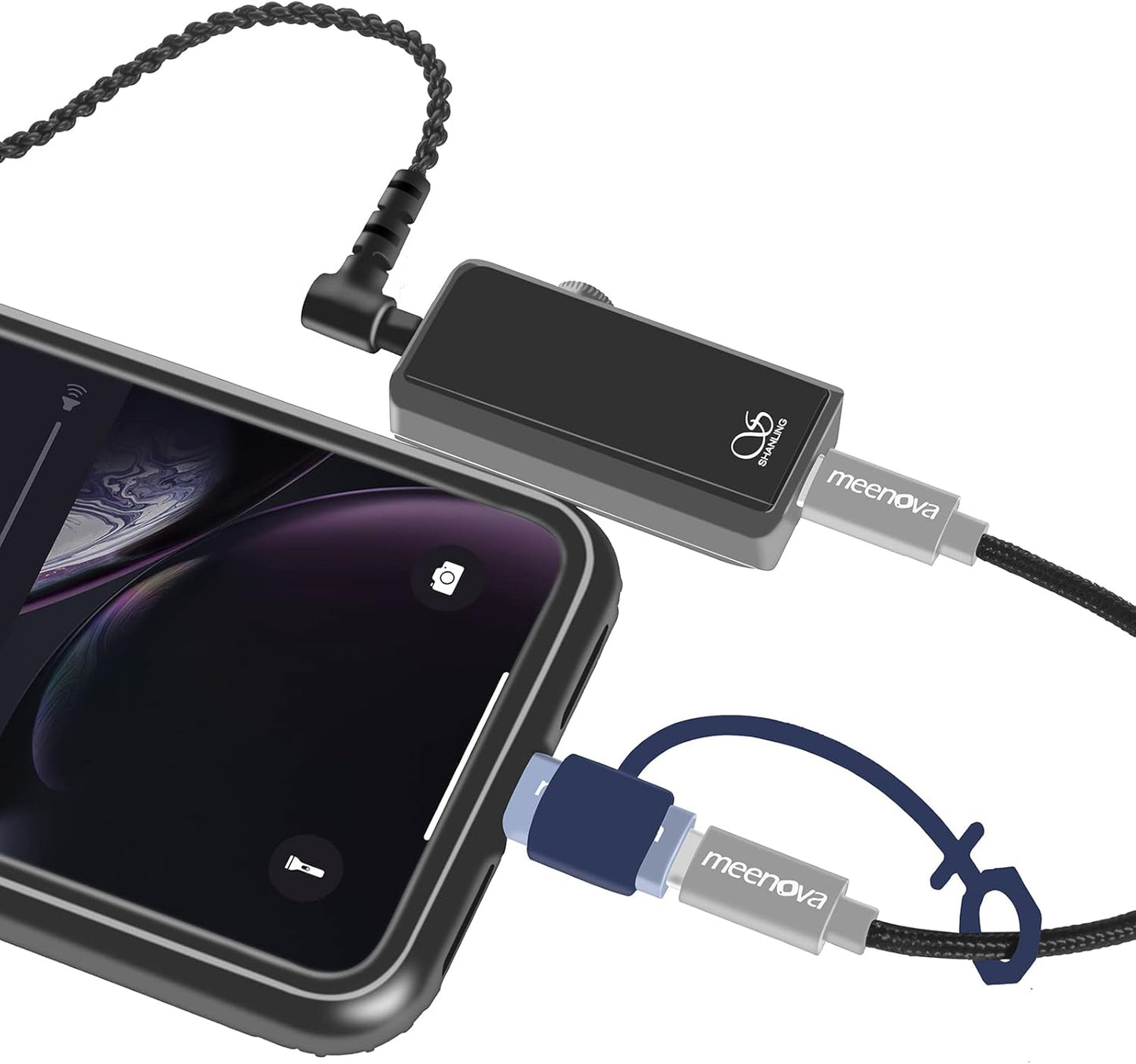
A Shorter, Cleaner Link Between Your Phone and DAC
Connect a compatible USB-C smartphone, tablet or computer to an external USB-C DAC, headphone amplifier, microphone or digital accessory without carrying a long loose cable.
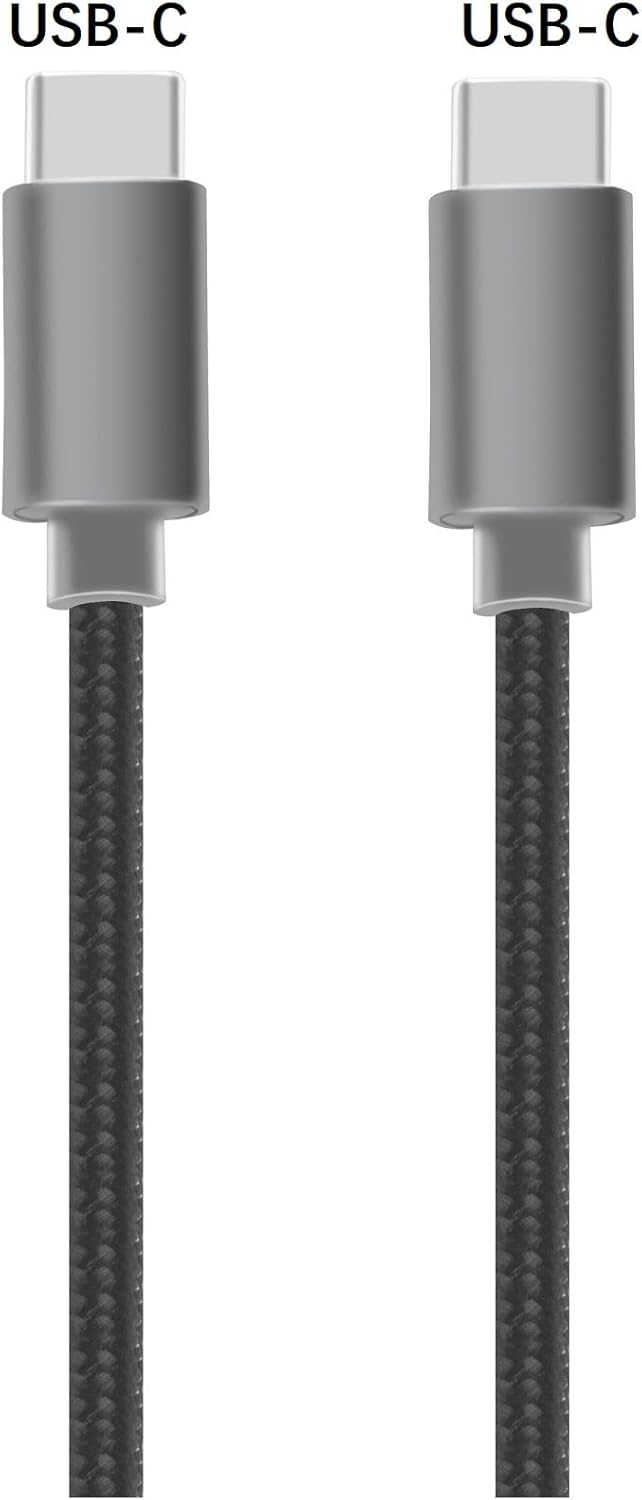
USB-C Host to USB-C Audio Device
Purpose-Built Digital Connection
Let the External DAC Handle the Audio
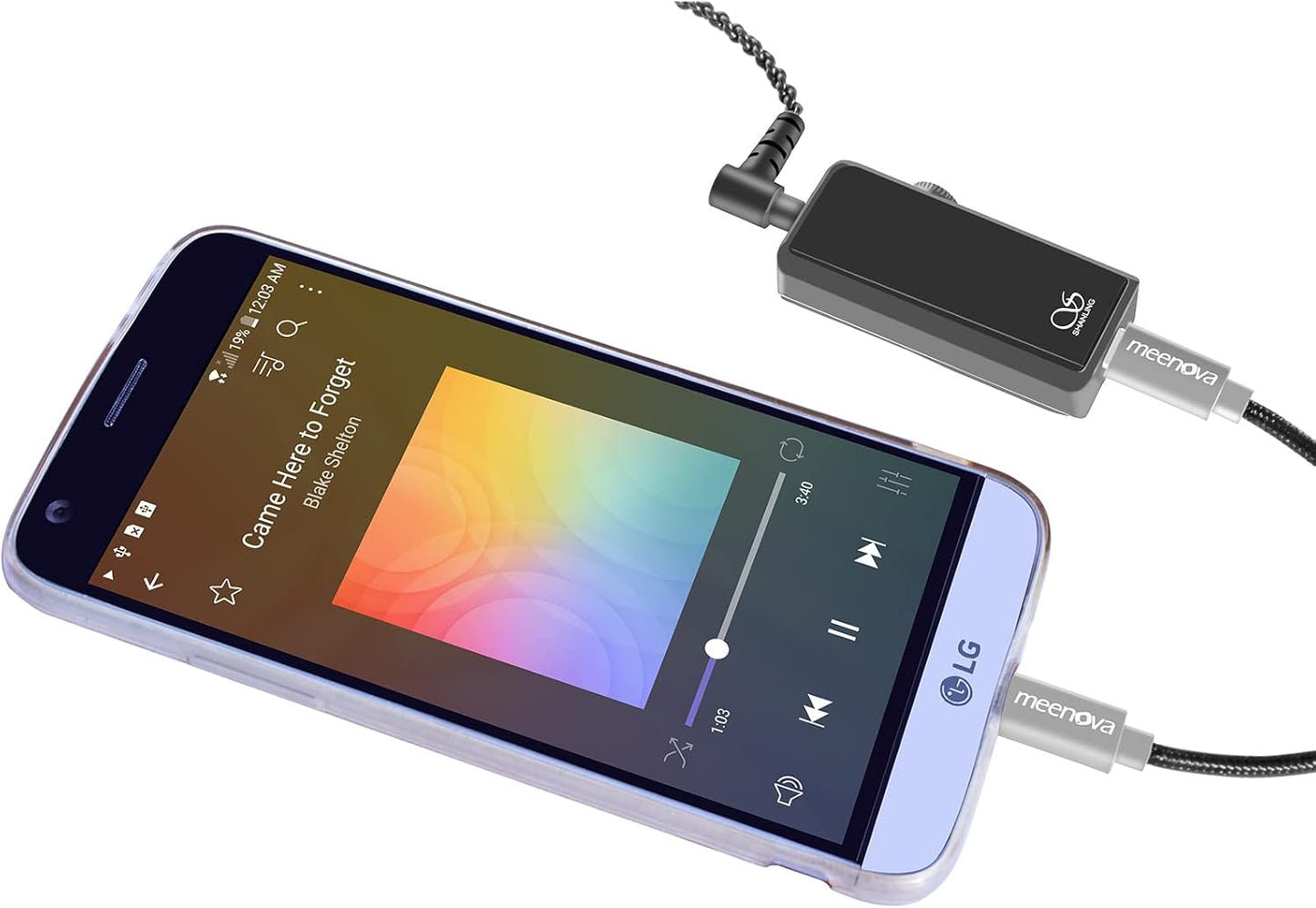
The USB-C host sends digital audio through the cable while the connected DAC or amplifier performs digital-to-analog conversion and powers the headphones.
DIGITAL AUDIO
Connect an External DAC
Route digital audio from a compatible USB-C device to a supported portable DAC or headphone amplifier.
BUS POWER
Power Compatible Accessories
In OTG mode, the host device can provide limited power to a compatible DAC, with the page listing up to 5V/400mA.
USB 2.0
Data and Peripheral Use
The cable can carry USB 2.0 data for supported DACs, cameras, microphones and compatible USB-C peripherals.
Important Product Distinction
This Is a Connection Cable, Not a DAC
The cable does not contain an audio conversion chip or headphone jack. A compatible USB-C DAC, amplifier or audio interface is required.
Carries digital audio and USB data between compatible USB-C devices.
Does not provide a built-in 3.5mm headphone output.
Does not guarantee compatibility with every USB-C DAC or Android device.
Compact Mobile Audio Setup
15cm Keeps the DAC Close to the Phone
The short cable reduces excess slack when a portable DAC is carried beside a phone, clipped to a bag or placed on the same desk.
Suitable for portable stacks where a long cable would create loops or snag inside a bag.
Layered Signal Construction
Copper Conductors with Internal Shielding
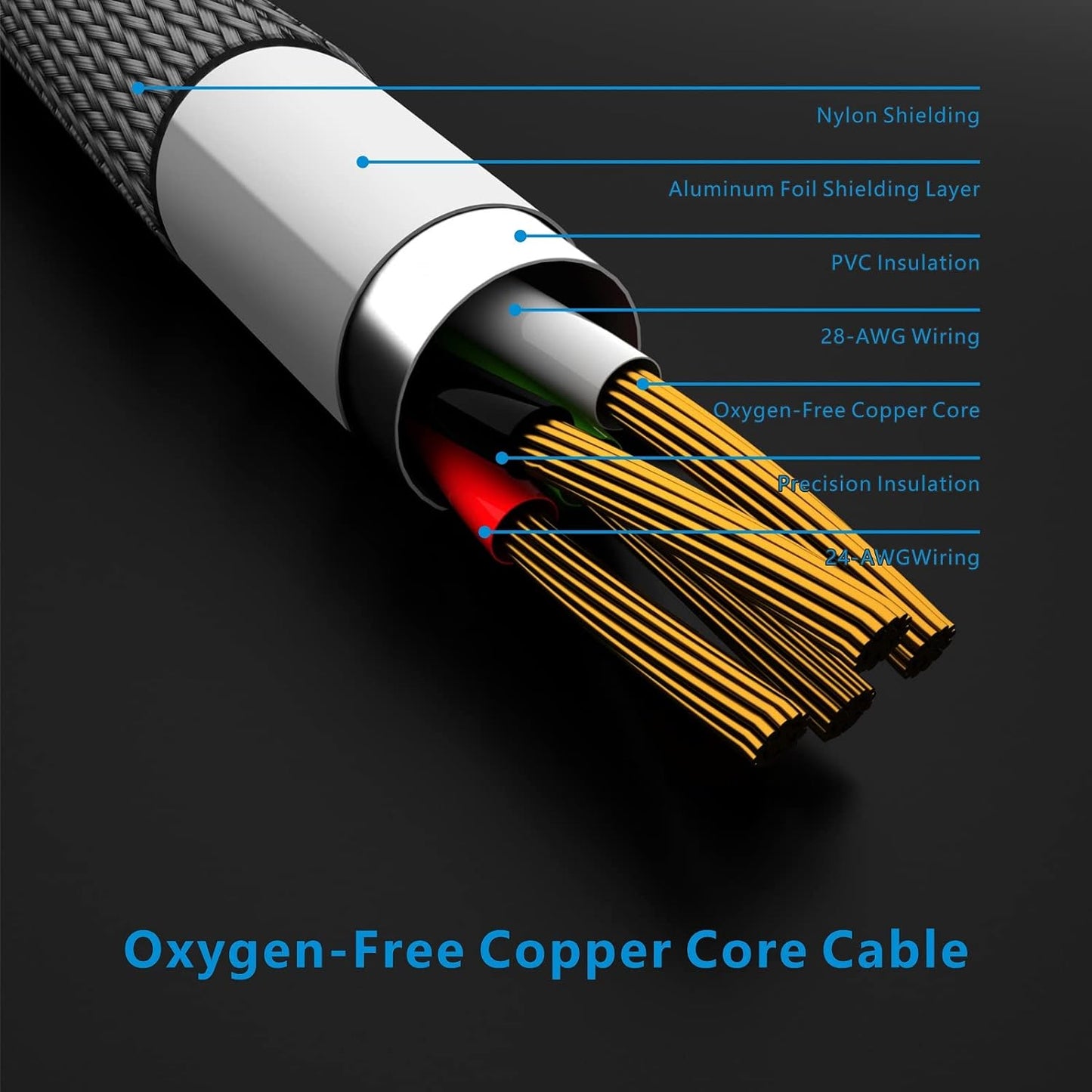
The braided cable combines oxygen-free copper conductors, separate power and signal wiring, insulation and aluminum foil shielding.
Oxygen-Free Copper
Conductors designed for power and digital signal transmission.
Aluminum Foil Shield
Designed to help reduce external electrical interference.
Power and Signal Wiring
Page imagery identifies 24-AWG power and 28-AWG signal conductors.
Nylon Braided Jacket
Flexible exterior intended for portable handling and storage.
Understand the Power Ratings
OTG Accessory Power and Device Charging Are Different Modes
The product page lists both limited DAC power draw and higher USB-C charging profiles. These figures apply to different connection scenarios.
OTG DAC MODE
5V / 400mAHost Powers the Peripheral
The phone, tablet or computer supplies limited bus power to a compatible DAC or digital accessory.
USB-C CHARGING MODE
Up to 45WUse Between Compatible Power Devices
The page lists 5V/2A, 9V/2A and 20V/2.25A charging profiles when used with compatible USB-C charging equipment.
Portable Digital Connections
Built for Audio and USB-C Accessories
PORTABLE DAC
Mobile Hi-Fi Listening
Connect compatible dongle DACs and portable headphone amplifiers.
DESKTOP AUDIO
Short DAC Connection
Link a USB-C laptop or tablet to compatible desktop audio equipment.
MICROPHONE
Mobile Recording
Connect certain USB-C microphones to a host that supports the required USB mode.
CAMERA
Compatible USB-C Cameras
The product page also lists USB-C camera connectivity as a supported use case.
Page-Listed Compatibility
Confirm the Exact DAC and Host Device
Compatibility depends on USB Audio support, OTG behavior, firmware and peripheral power requirements. The page lists the following product families as tested or buyer-reported compatible.
BTR5, BTR3, BTR3K, Q3s, Q3 and KA3
UA1 Pro, UA2, UP2, UP4 and UP5
FC1, FC3, FC5, W1 and FD3
S3 Pro Ultra and S9 Pro
DC01, DC02, DC03, DC04 and DC05
XD-05 Plus, 05 Basic, Link 2021, Link2 and XP2 Pro
Qudelix 5K, E1DA, NuPrime, Questyle, Audirect, EarMen, iFi, Lotoo and Meizu
USB-C Android phones, tablets and computers with compatible OTG or USB Audio support
Connection Steps
Connect and Check Recognition
Connect the USB-C Host
Insert one connector into the compatible phone, tablet or computer.
Connect the DAC
Insert the other USB-C connector into the compatible DAC or peripheral.
Confirm USB Audio
Check that the DAC is recognized and selected as the active audio device.
Product Details
Specifications
USB-C Only
Both physical connectors are USB-C. The original reference to a Lightning connector is inaccurate and should not appear in the product description.
OTG Support Required
The host device must support the required USB OTG or USB Audio mode. Some phones may also require a software setting or compatible application.
Peripheral Power Limit
DACs and USB accessories that require more bus power than the host can provide may fail to start or disconnect during use.
Share