


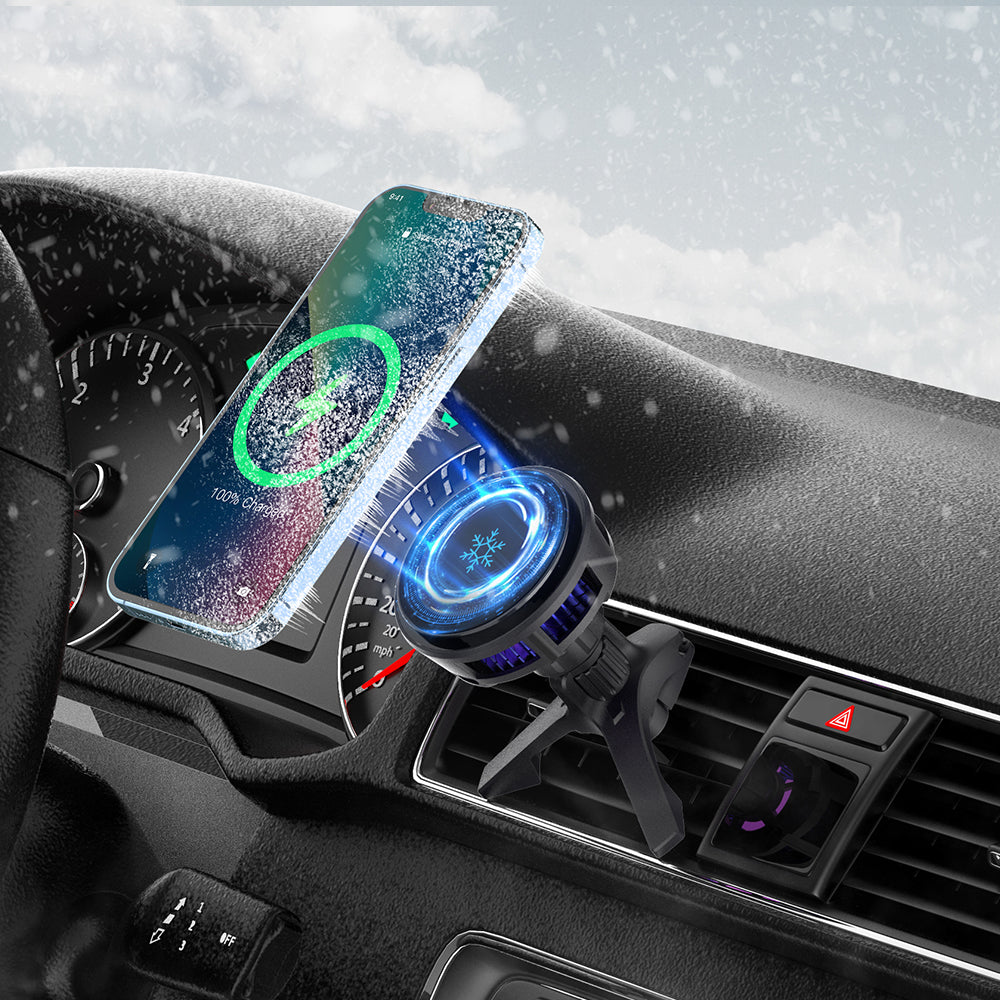
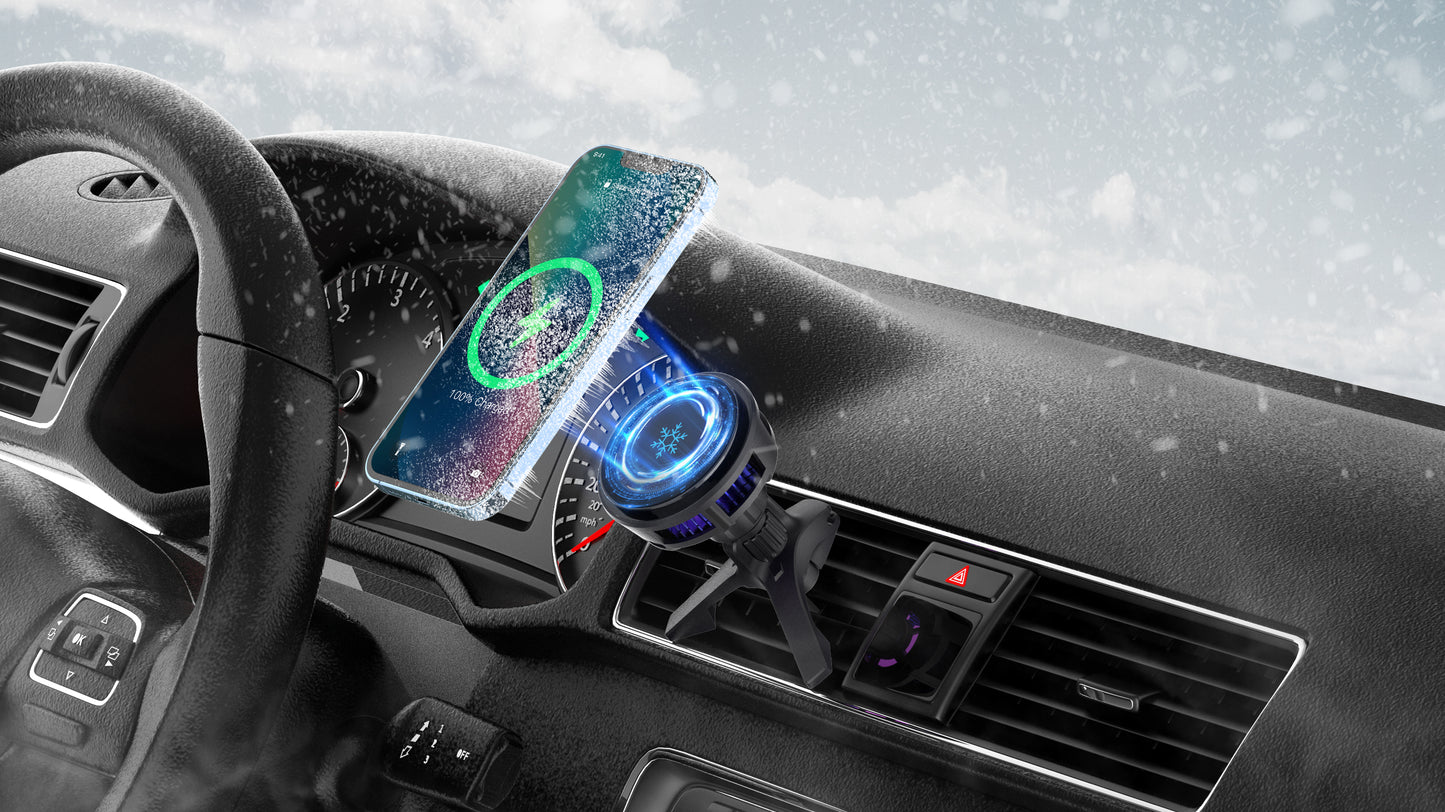
Power for the road, with active heat management.
Bring magnetic wireless charging, semiconductor cooling and an adjustable air-vent view together in one streamlined driving setup.
Qi2 15W magnetic wireless charging
Set your compatible iPhone on the magnetic charging surface and keep power within easy reach while you drive.
Qi2 15W
Magnetic wireless charging for a clean in-car setup.
Easy Placement
A magnetic contact point keeps charging and phone placement together.
Cooling support while charging
Semiconductor active cooling helps manage heat during wireless charging.
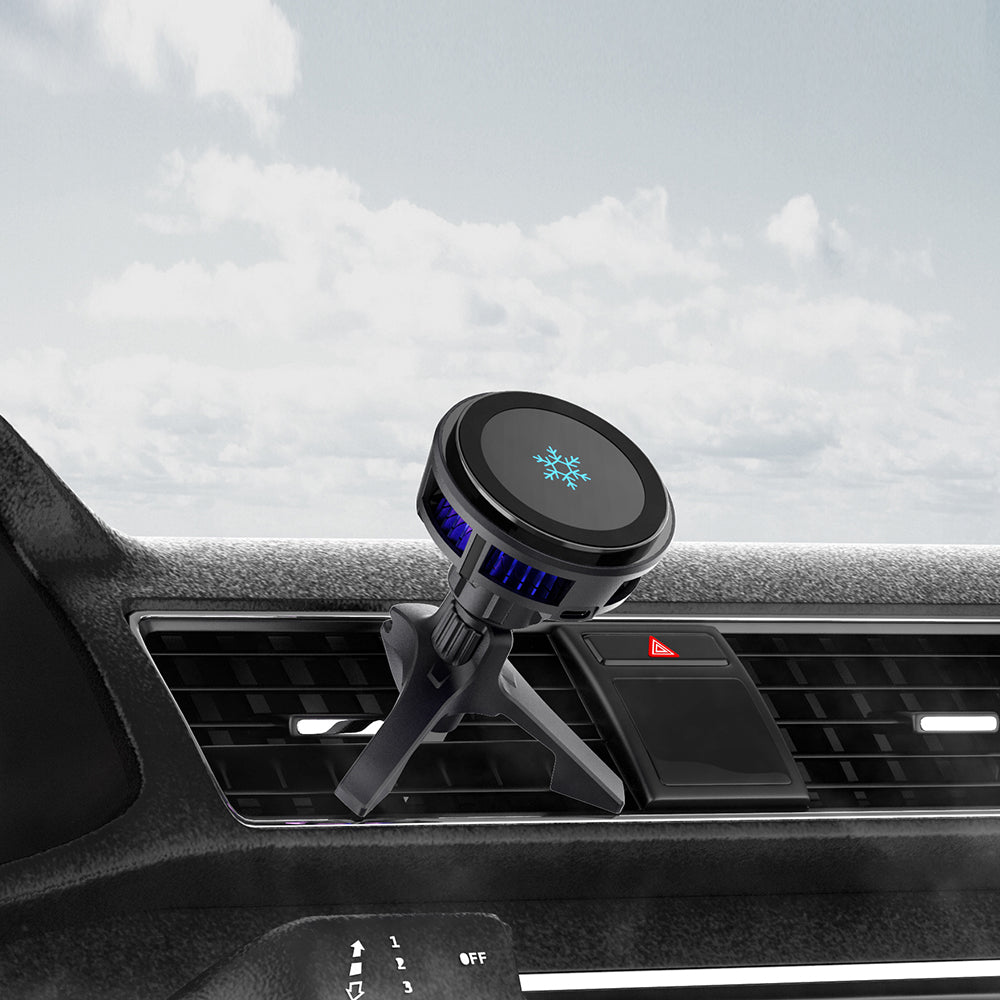
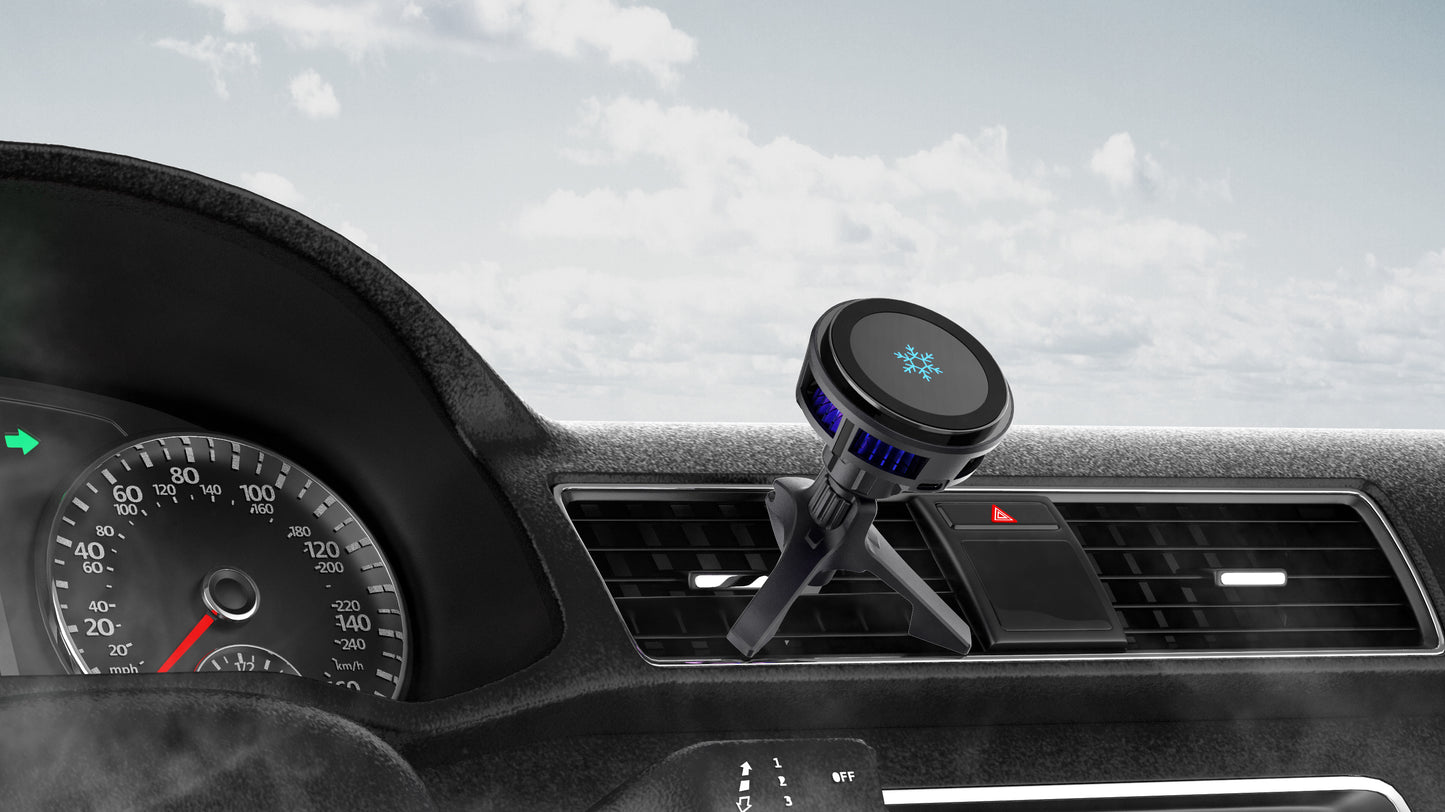
Mount, angle and view
The air-vent mount brings your phone into a convenient viewing position. Adjustable viewing angle lets you set the screen orientation for your cabin.
Two vent directions
Designed for horizontal and vertical air vents.
Confirm the fit
Check vent shape and clearance before use. Fit depends on the layout around your vehicle’s vent.
Compatible with iPhone 17/16/15/14/13/12 series.
Choose a compatible phone from the listed series and confirm that your vehicle vent has suitable shape and surrounding clearance.
At a glance
Qi2 15W magnetic wireless charging
Semiconductor active cooling
Air-vent mount with adjustable viewing angle
Charging, cooling and an adjustable view—together at the vent.
Check phone compatibility, vent shape and clearance, then set the viewing angle before your drive.
Highlights explained
Wireless output
15W
The wireless charging surface is rated up to 15W with a compatible device and suitable power conditions. Actual power depends on the phone, charging protocol, alignment, case and temperature.
Contact cooling
Semiconductor
The Semiconductor cooling system helps transfer heat from its contact area. A cooling-power figure is separate from charging output, and actual temperature depends on operating conditions.
Hands-free viewing
Air-vent mount
Use the Air-vent mount support for video calls, tutorials, reading or desk-side reference. Confirm the device balance and mounting fit on a flat surface before releasing your phone.
Viewing adjustment
Adjustable angle
The listed Adjustable angle adjustment helps position the screen or connector for the current task. Adjust gently, confirm clearance and check stability after changing the angle.
Practical use
Keeping navigation visible in a compatible vehicle
Install and adjust the mount before driving. Check vent fit and charging requirements; keep the phone clear of controls and airbags.